September, Forked
a projection-mapped self-portrait. Projection Mapping, fall 2026, n3xta.
concept
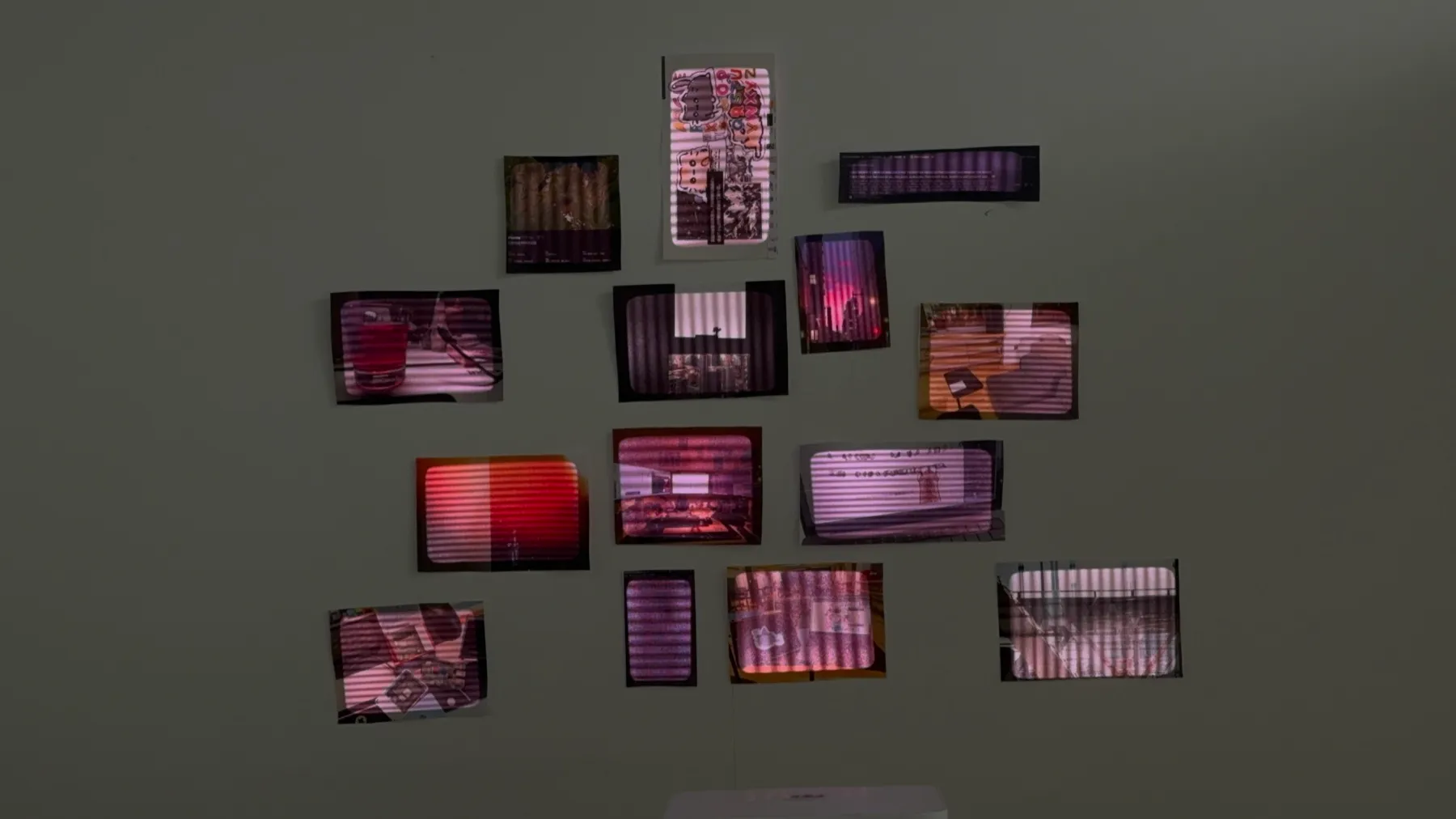
my september was three projects, and nothing else: work (Rewindpix, a camera app that makes you wait for your photos), school (urvoice, a voice that gets placed on a map) and life (260921, a picture book that was a birthday present). all three happened inside one month, and together they are about as honest a portrait of me as i can make right now.
so the portrait is a wall of fifteen printed photos, five per project: screenshots, the tools, the desk, the views from the windows i worked at. the projector doesn’t show any images. it only lights the prints, in their exact shapes, the way a lamp would, and a small MIDI keyboard decides which part of my month is lit and what that light feels like.
sketches
 |
 |
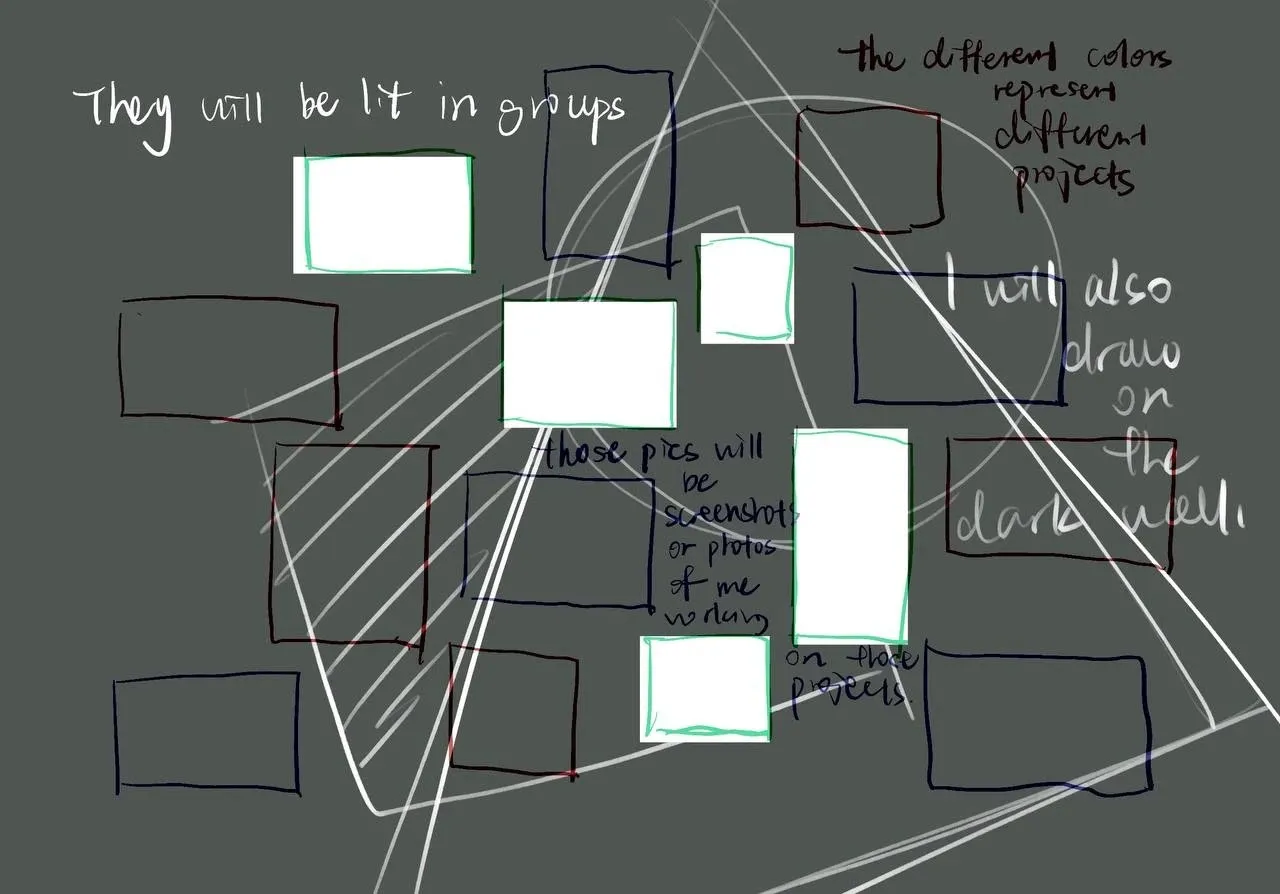 |
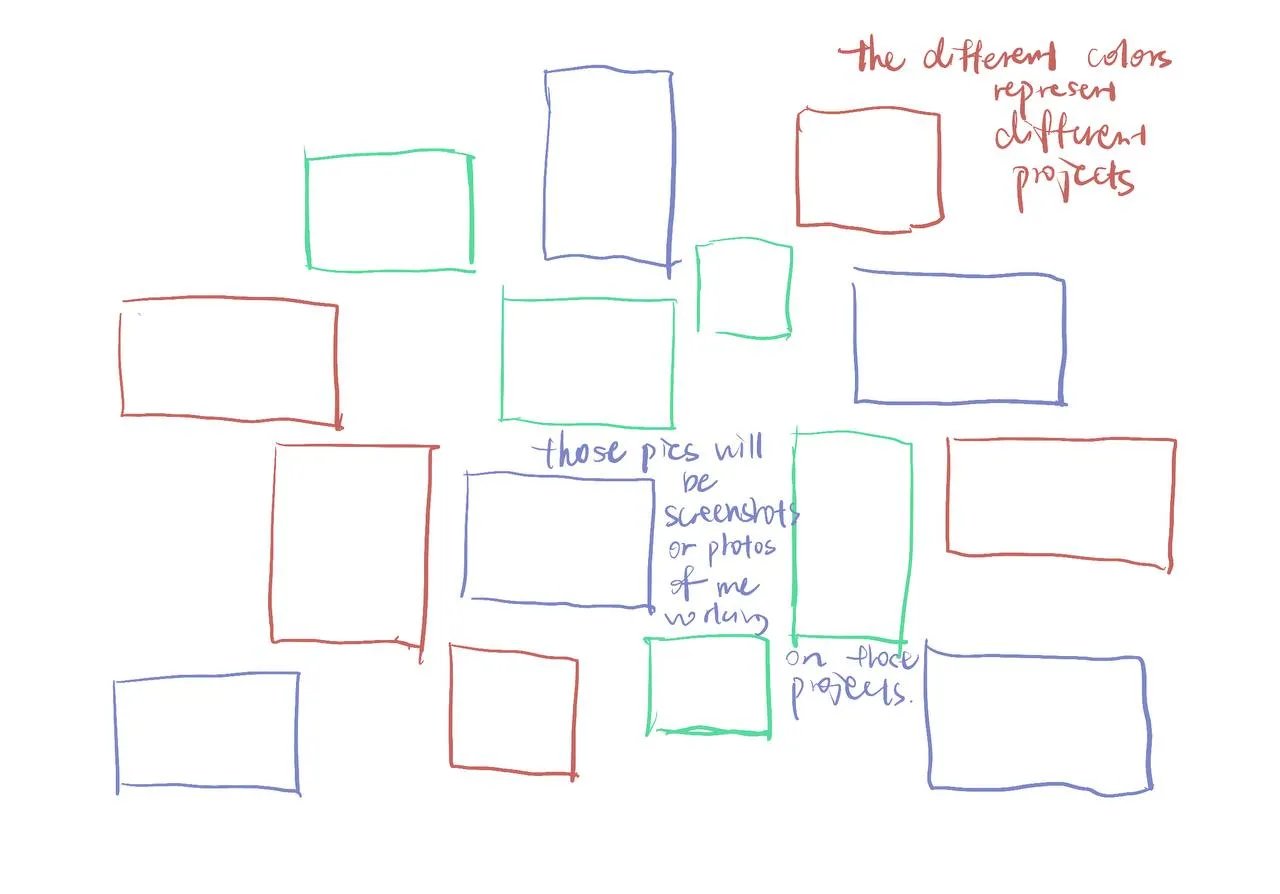
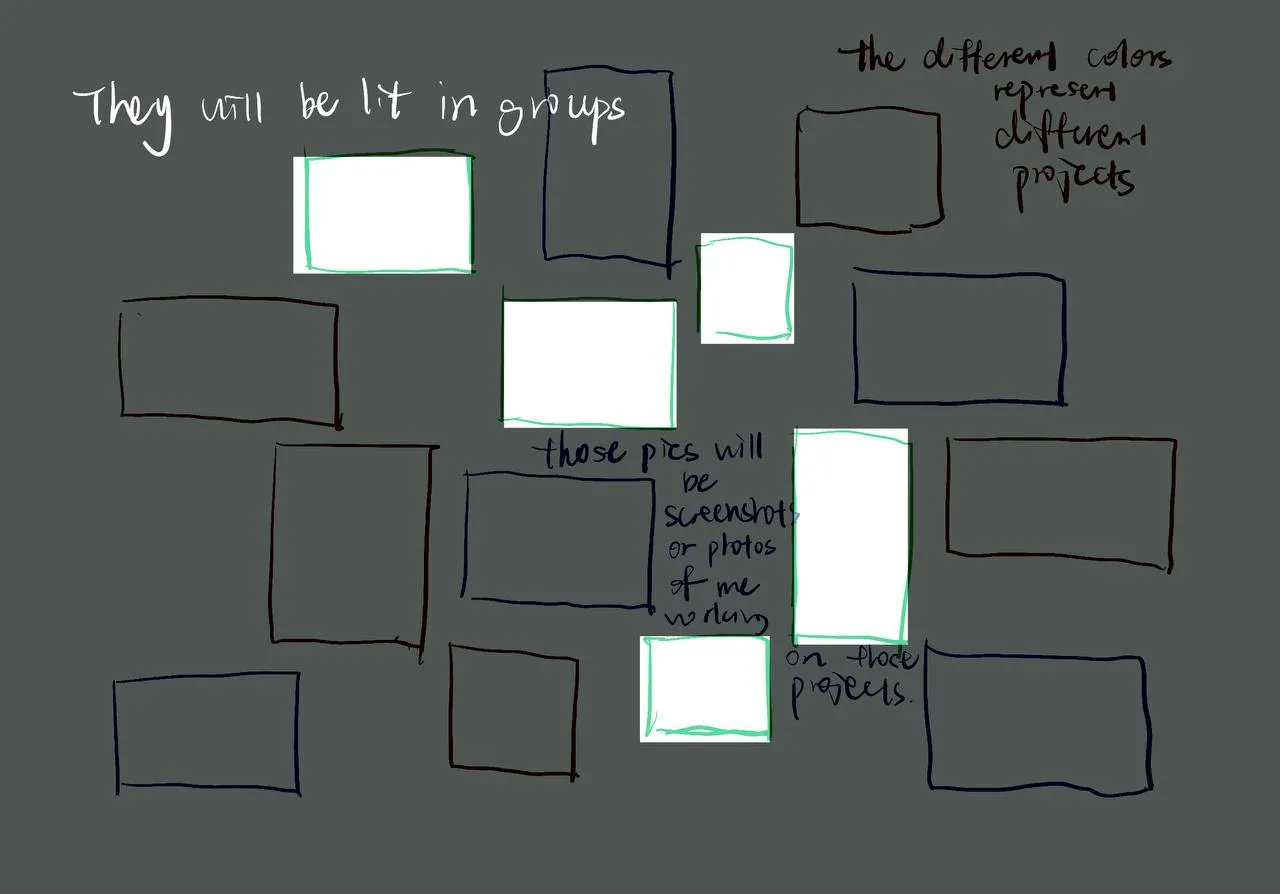
| the layout. each color is one project. | the frames get lit in groups. | i also want to draw on the dark wall between them. |
the layout on the wall stayed close to the first sketch. the drawings on the dark wall (sketch 3) haven’t happened yet. see next.
the instrument
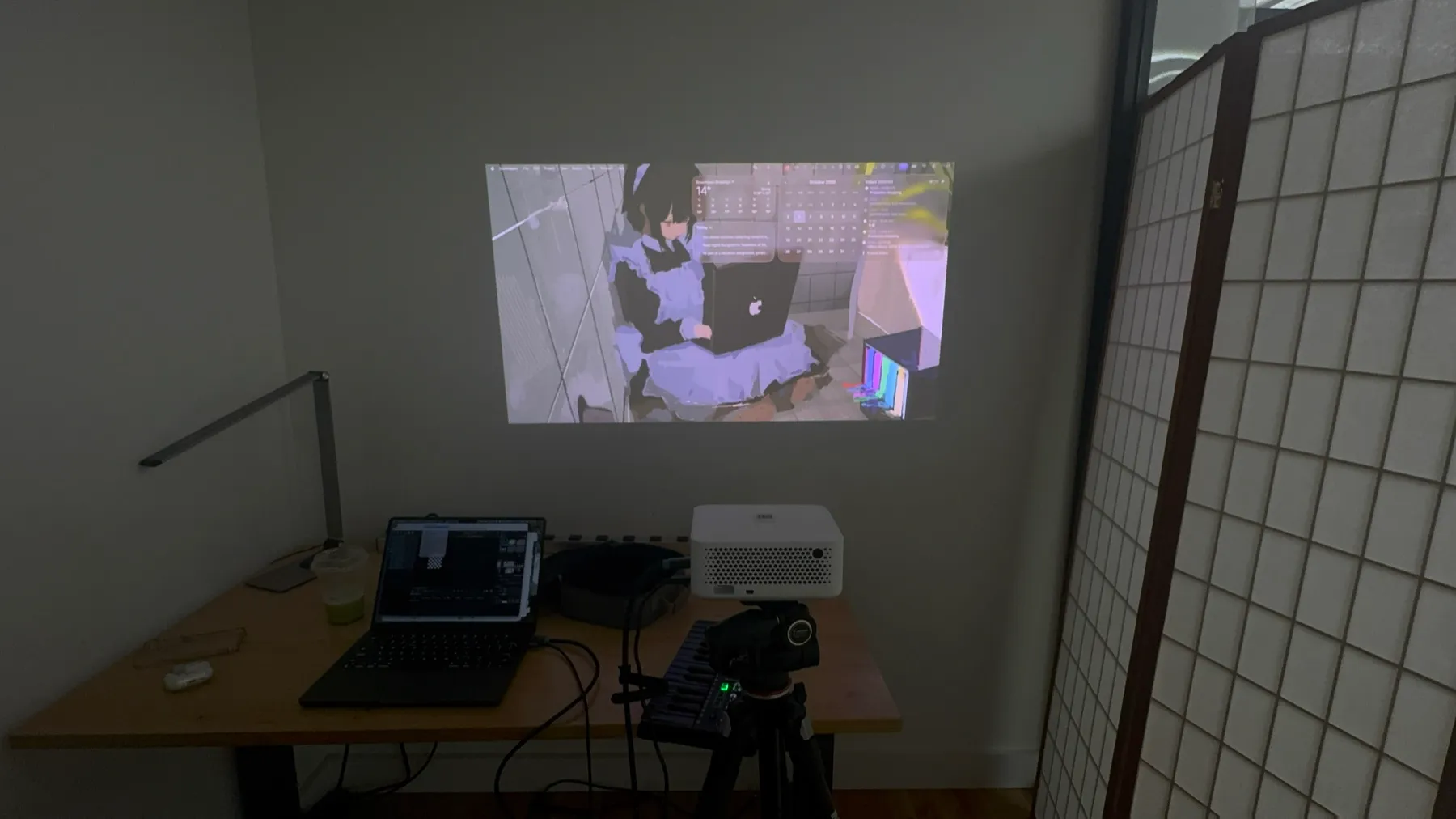
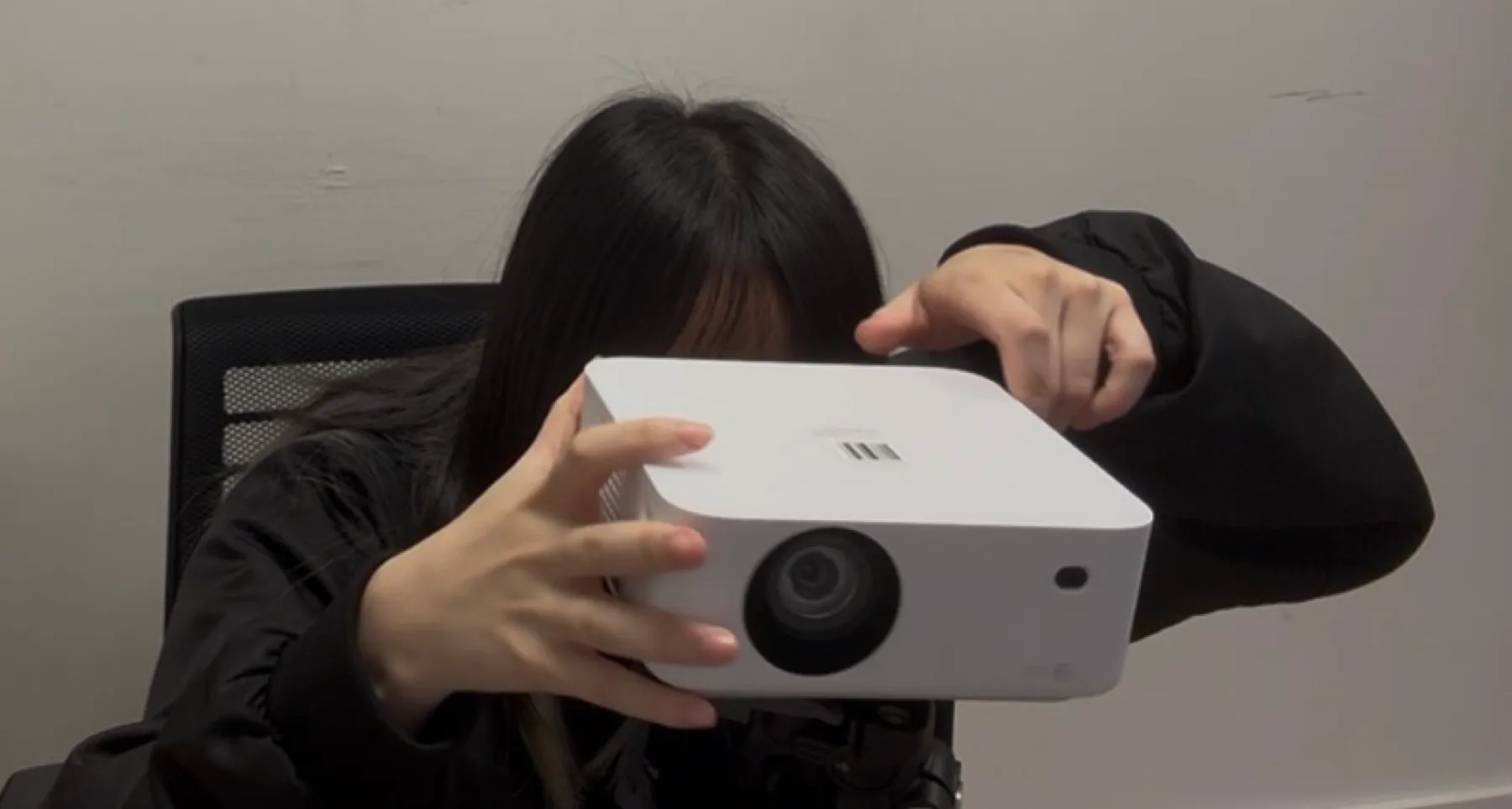
the setup: a projector on a tripod, a laptop running MadMapper, and an Akai MPK Mini.
- pads switch scenes, i.e. which part of the month is lit: dark / work / school / life / everything / drawings on / drawings off. every change fades over a second.
- knobs shape the light. with all eight turned left it’s plain white light, exactly the size of each print. turning them up:
| knob | what it does |
|---|---|
| 1 color | white → colored light |
| 2 hue | which color |
| 3 breathe | a slow swell in brightness |
| 4 speed | how fast anything moves |
| 5 iris | the light shrinks from the whole print to a soft spot in the middle |
| 6 warp | the edges of the light go liquid |
| 7 texture | scanlines, a sweeping bar, grain |
| 8 flicker | a failing bulb |
every knob moves all fifteen frames, but each frame reacts a little differently: its own shade of the chosen color, its own breathing tempo, its own iris size, its own flicker. it should feel like fifteen small lamps, not one big screen.
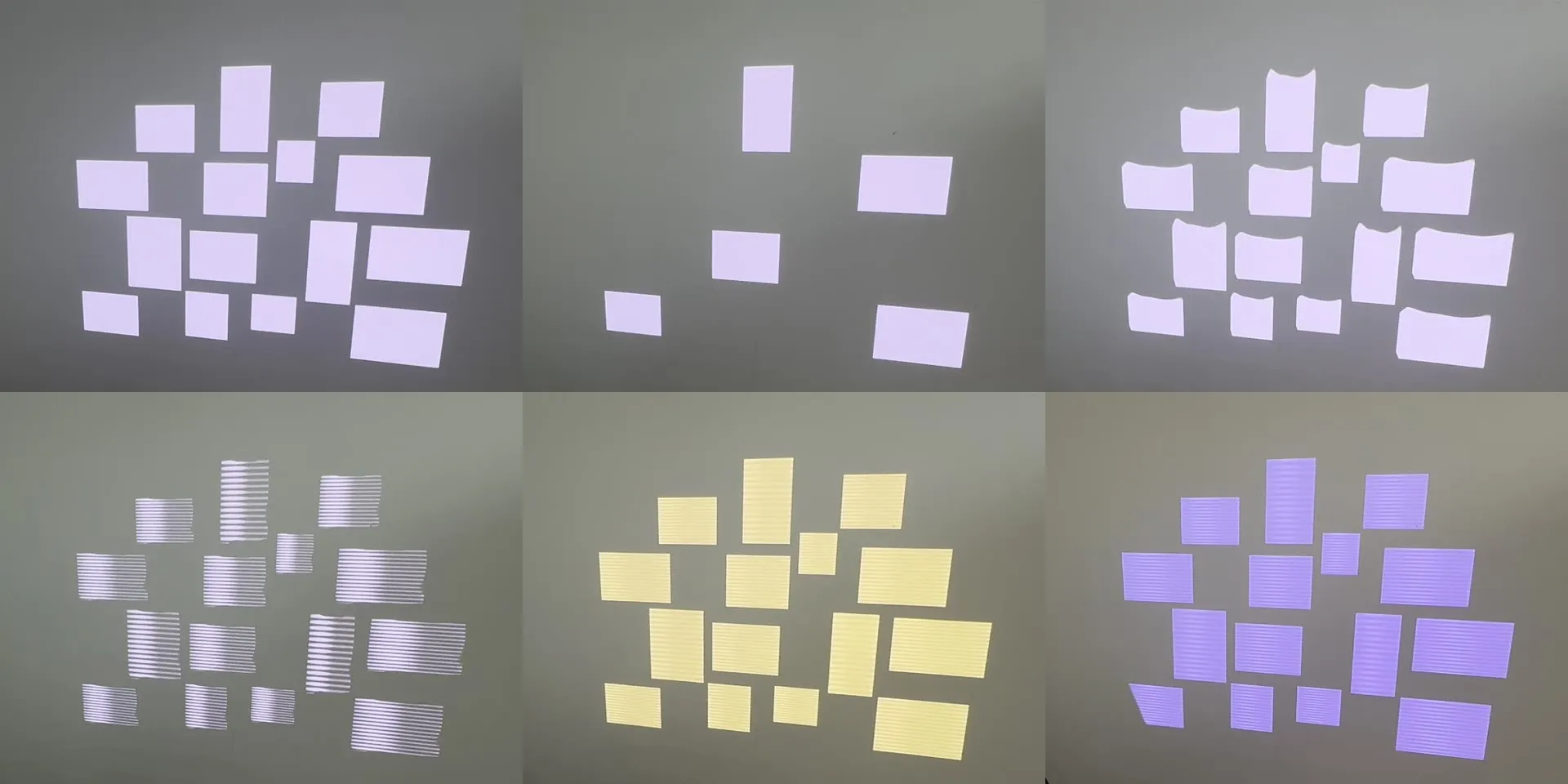 before the prints went up. top: white light · one group lit · warp. bottom: texture · warm color + texture · violet + texture.
process
1. mapping blind. before there was anything on the wall, i mapped fifteen colored test cards (red / blue / green, like the sketch) to check the layout and the pads.
test cards, switching groups with the pads (12 s)
trying the knobs on blank light (32 s, 1.5× speed)
2. printing. seventeen photos, printed and cut by hand. fifteen made it onto the wall.
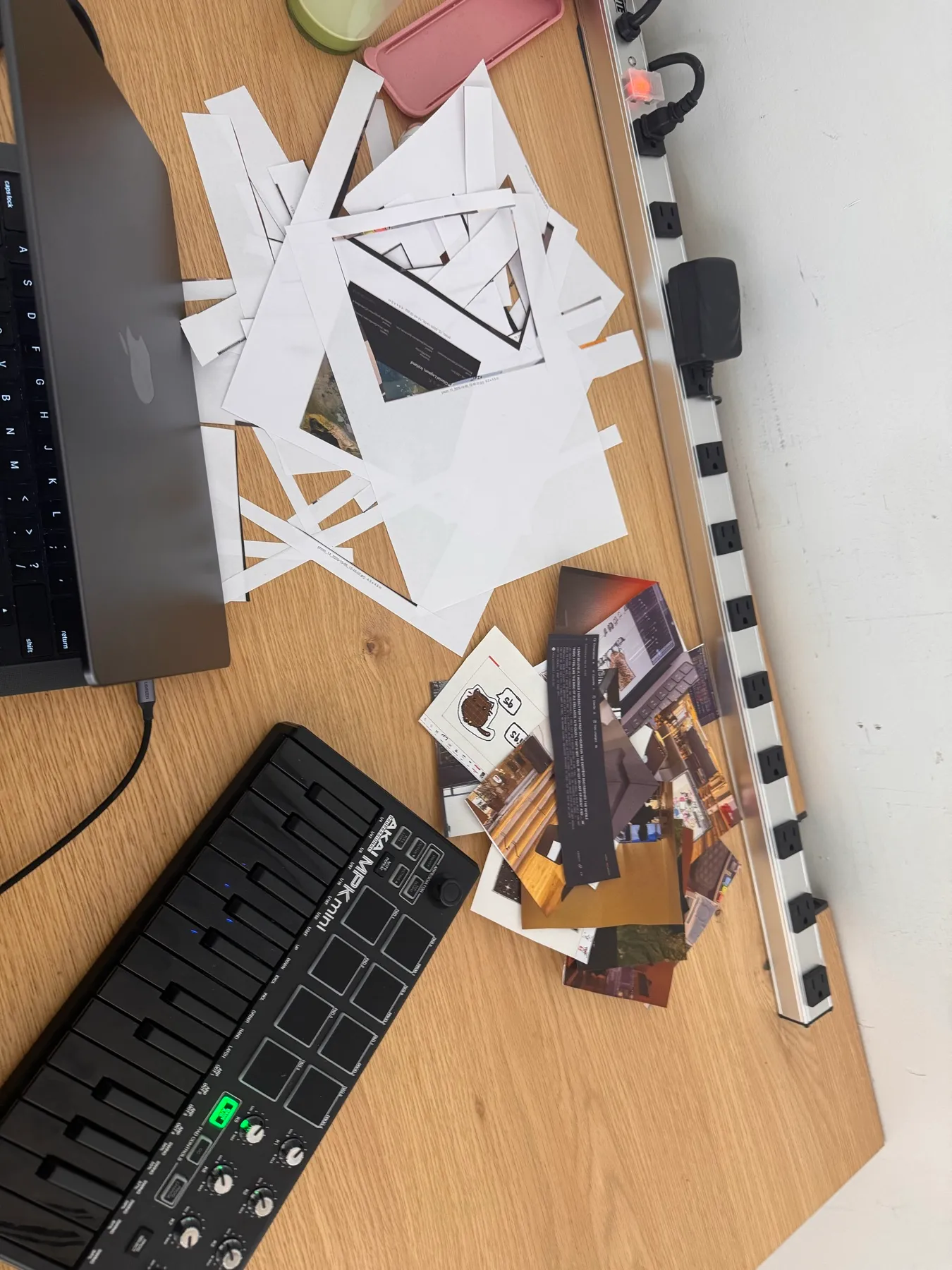
3. hanging and aligning. each print went up under its frame of light, then i moved the frames in MadMapper until light and paper matched.
hanging the prints (18 s, 8× timelapse)
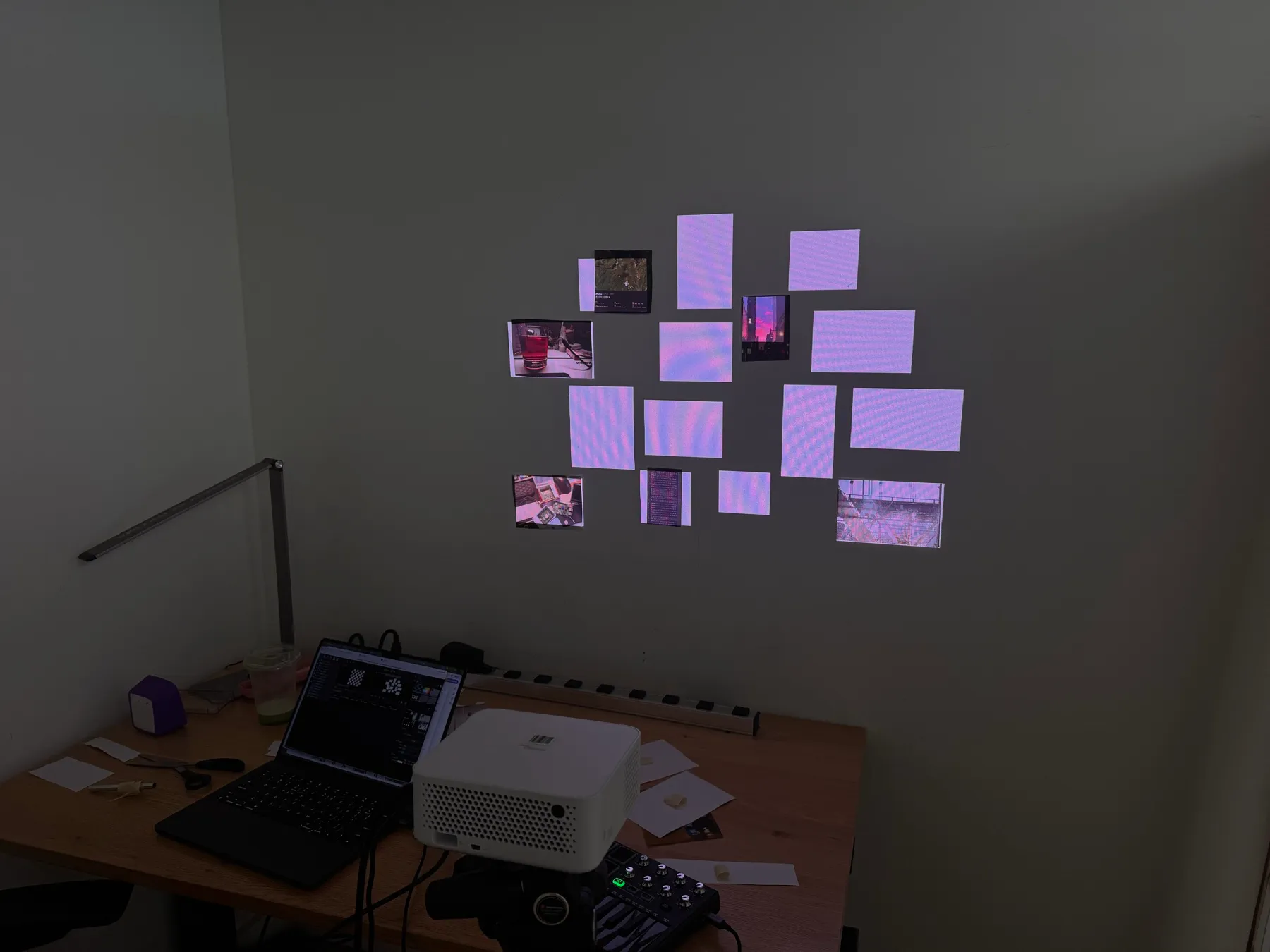 |
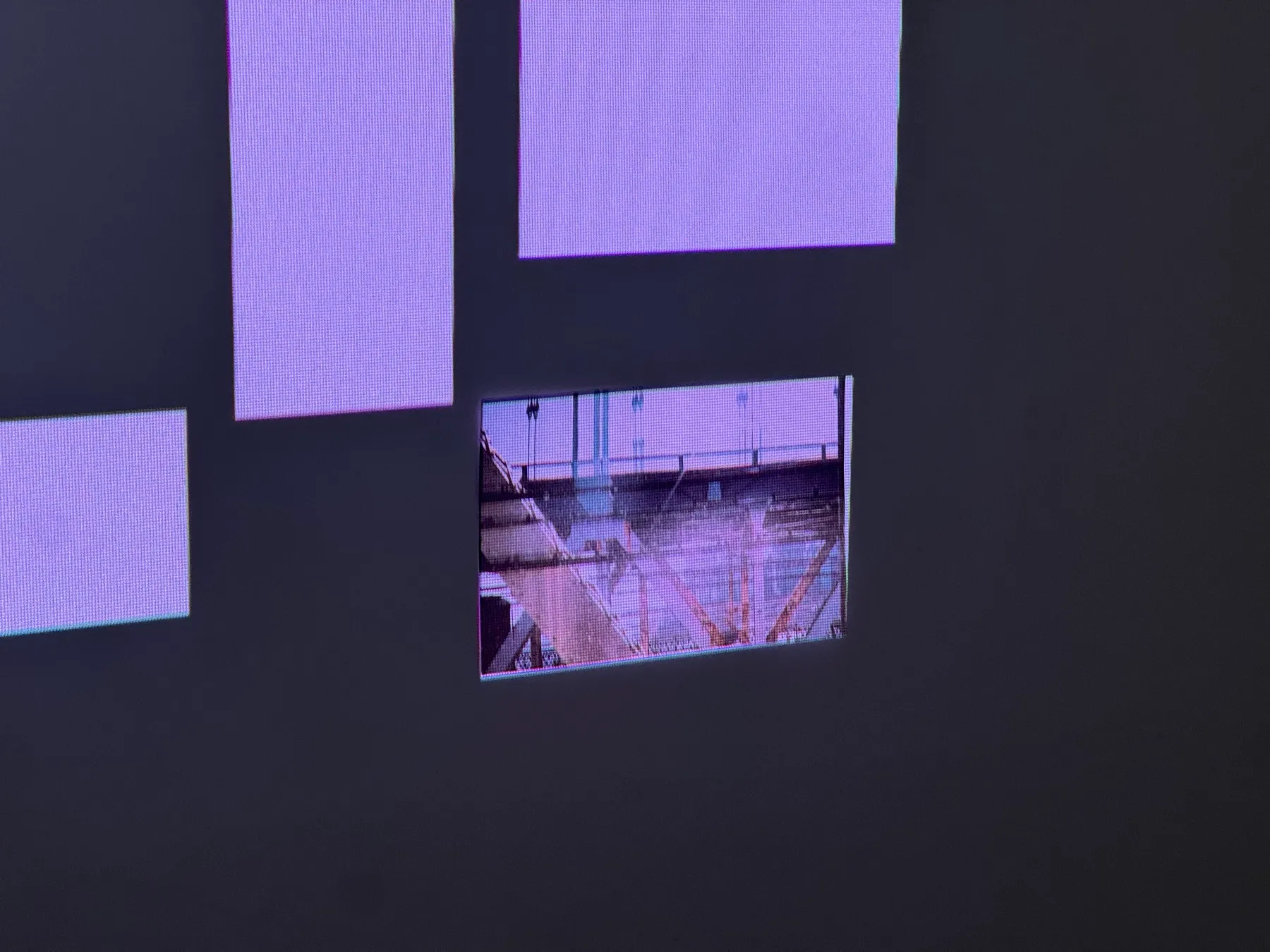 |
| halfway: some frames still empty light. | one print sitting exactly in its frame. |
result
playing the wall: color, hue, warp, texture (42 s)
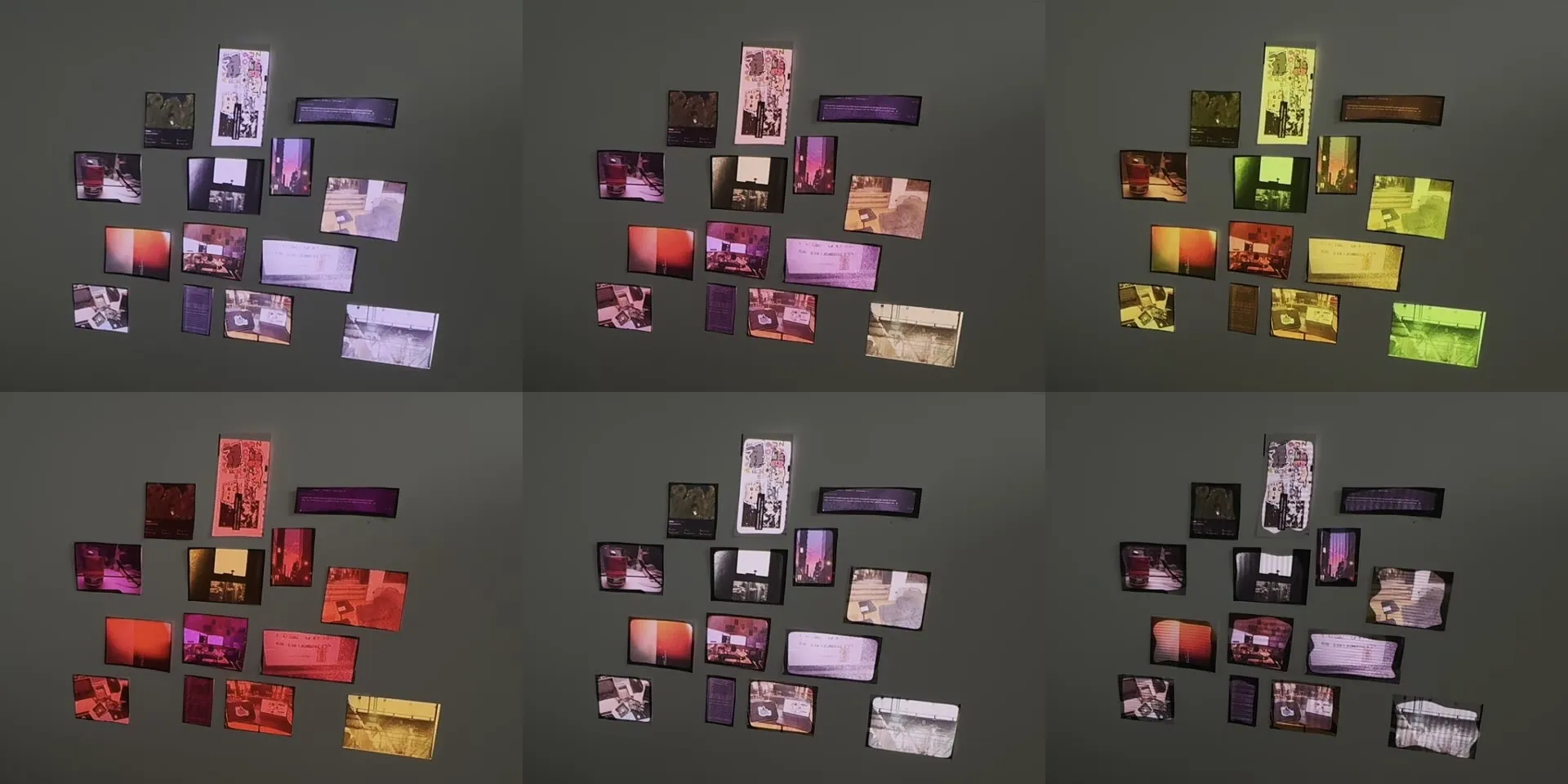 the same knobs on the prints. top: white light · warm · yellow-green. bottom: red-pink · white · warp + texture.
the wall with the texture knob up (10 s)
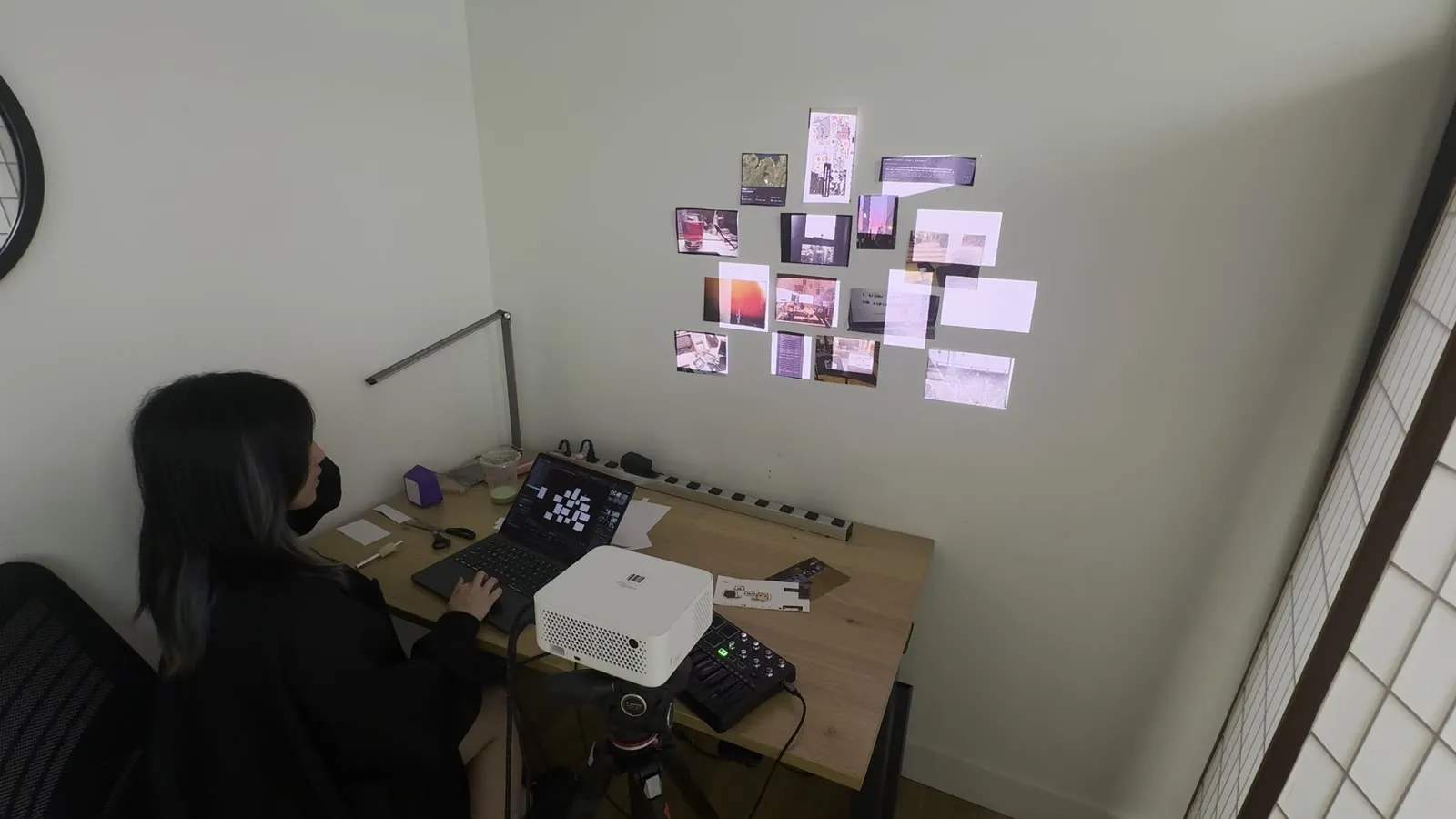
how it’s built
- MadMapper 5.2 for the mapping: fifteen quads, one per print.
- Wall Light, a custom shader material (GLSL) that does the light and all eight effects. it renders a 4×4 grid of cells, every frame reads its own cell, and every cell has its own random seed, which is how one knob moves each frame differently.
- a small Python script that writes the MadMapper project file directly (frames from the sketch, scenes, MIDI mappings), so changing the layout doesn’t mean redoing everything by hand. it keeps whatever i adjusted in MadMapper.
- Akai MPK Mini mk II: pads send notes, knobs send CC 1–8, both mapped inside MadMapper.
things that went wrong along the way: MadMapper hides a surface once its opacity hits zero, so “dark” worked and nothing could come back on until the scenes also switched visibility back on. it also couldn’t read photos from my Documents folder until it got disk access, and it crashes if you plug in the projector while it’s running.
next
the slowest part was the mapping itself: hanging a print, then dragging its frame of light around until the two matched, fifteen times. so next i want to build a machine that does it on its own. a camera watches the wall, finds every print, and the light snaps onto each one by itself.
once that works, the wall doesn’t have to be mine. it becomes a photo wall installation: anyone pins up a photo, the wall notices it, and lights it.