DTBK1752
Real-time blob detection.
Showcase

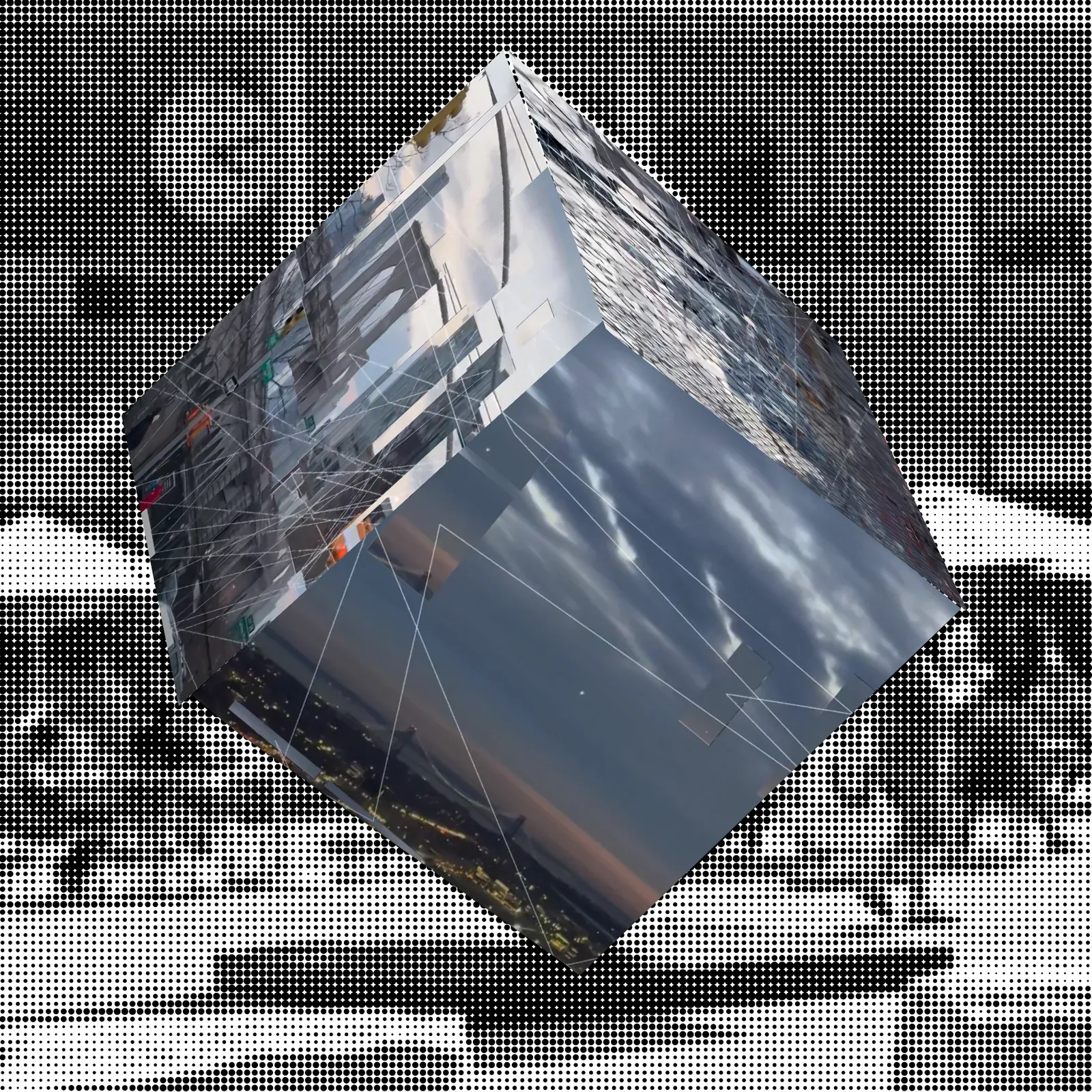
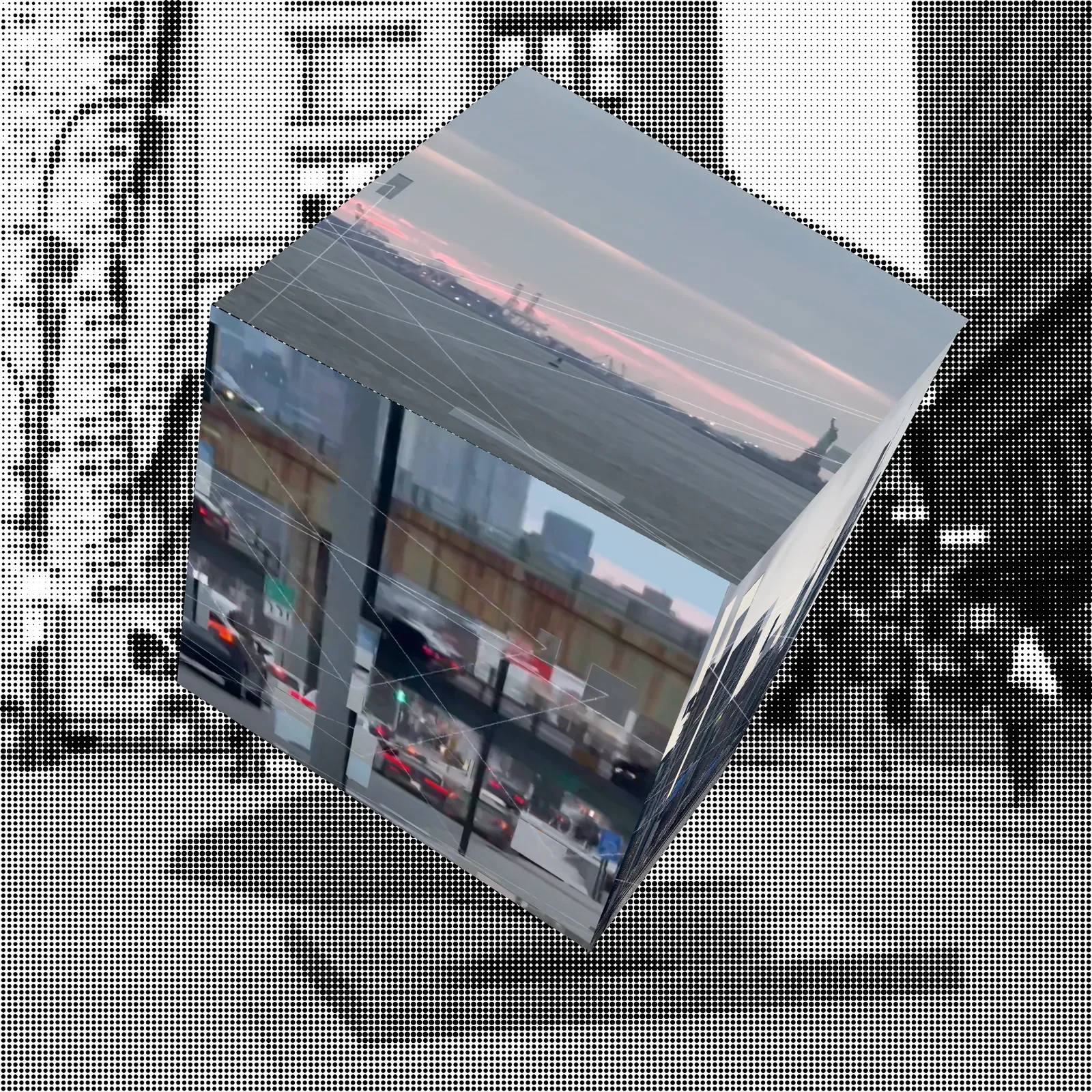
Hypothetical Installation Idea
Preparation
I took a walk near the East River. My thoughts were a tangled mess at the time… It felt as if everything before me was falling apart. The river’s surface reflected my fragmented thoughts, like a breeze sweeping over an oil painting that hadn’t yet dried, colors bleeding into each other with the faintest tremor. Beneath the iron bridge, the city lights shimmered on the water, sliced, stretched, shattered, then pieced back together, like a poem that had lost its rhythm.
Everything seemed to be falling apart.
So then—was fragmentation always the essence of the city?
Bridges carve the sky from the water, traffic tears through the silence of the night, faces flicker across billboards, changing identities in mere seconds.
And I walk through it all, my consciousness splintered, my thoughts like reflections on the river’s surface, scattered by the wind in an instant.
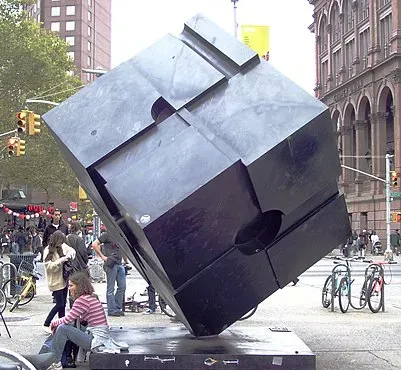
Here are some references that capture this feeling:
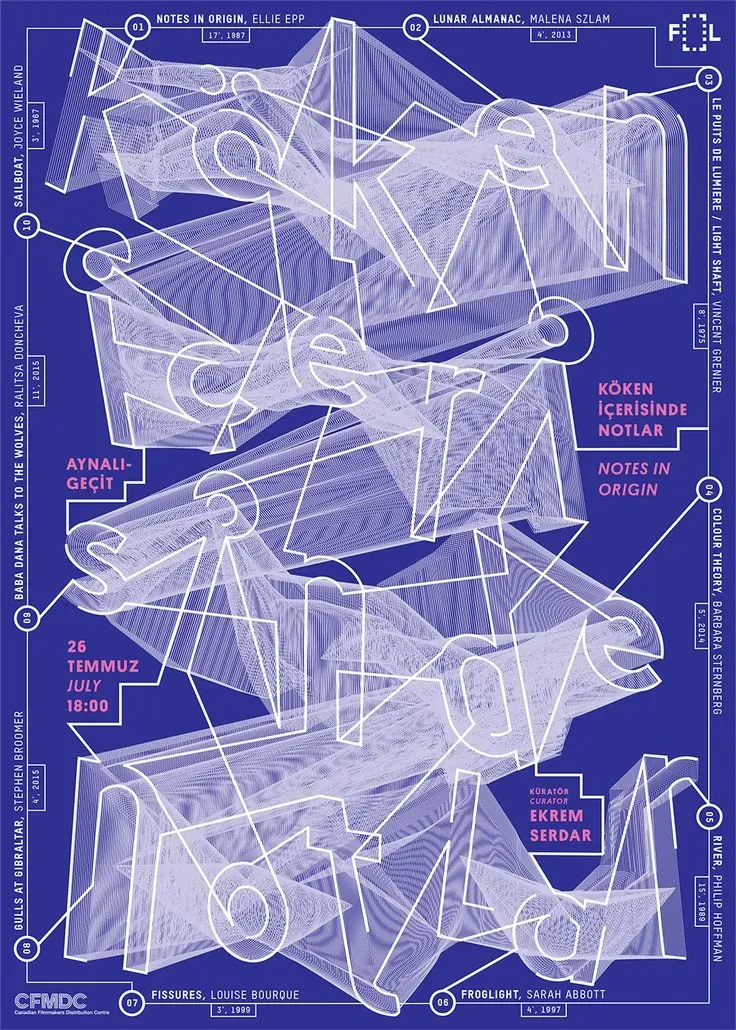
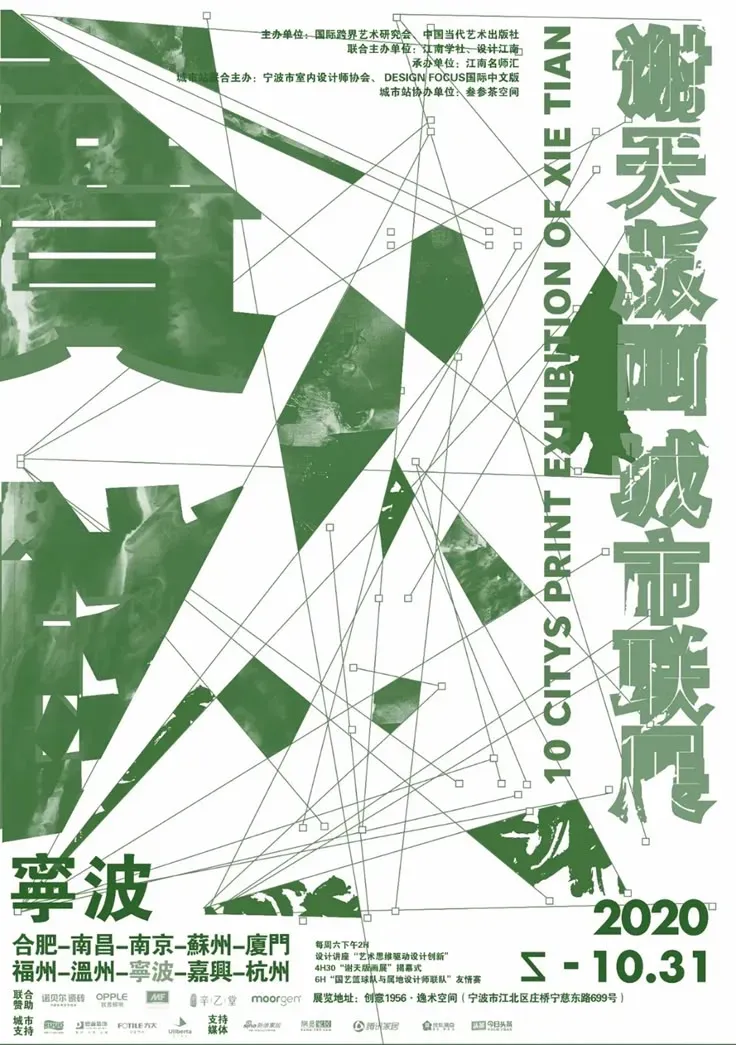
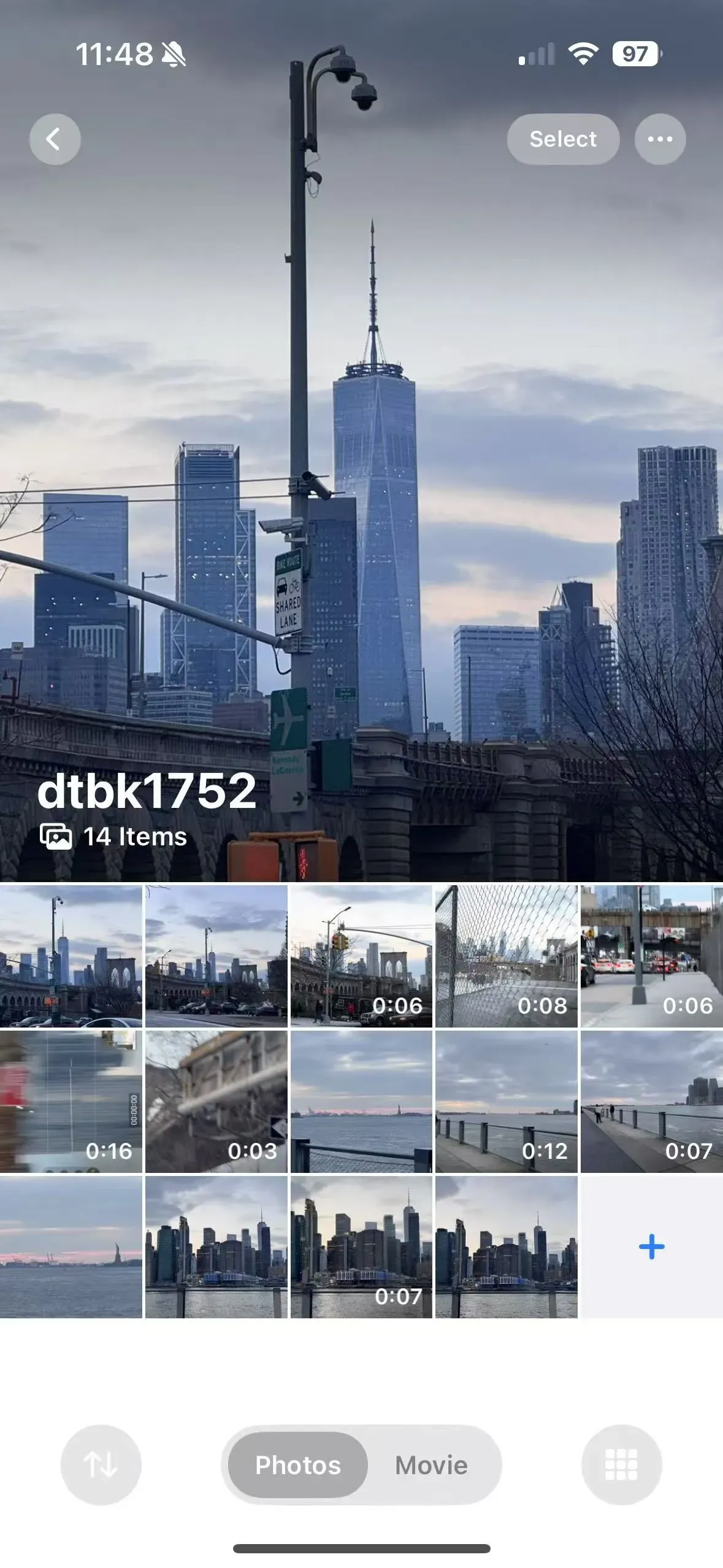
Some Pics & Vids I took:
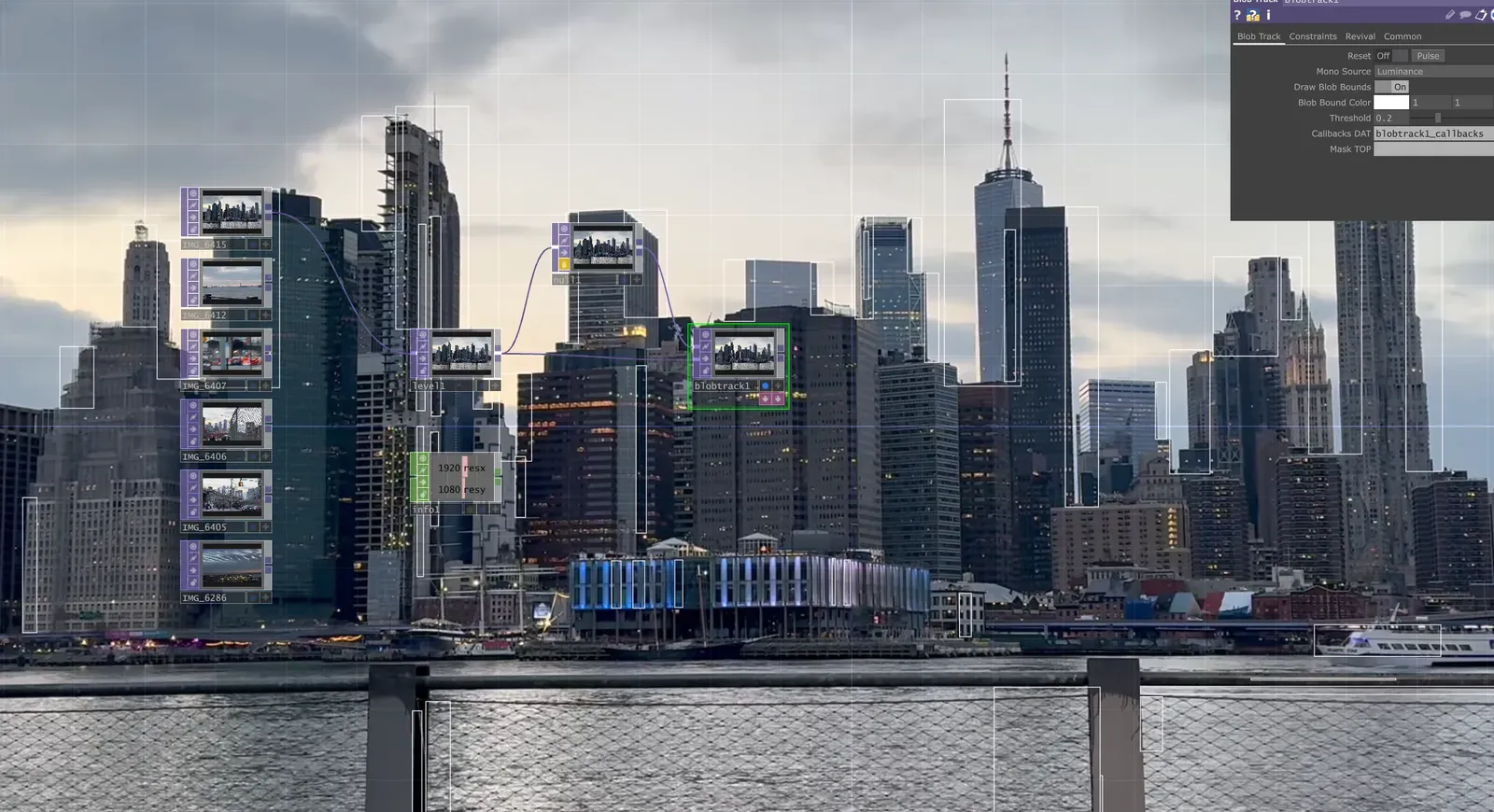
Playing with TOPs
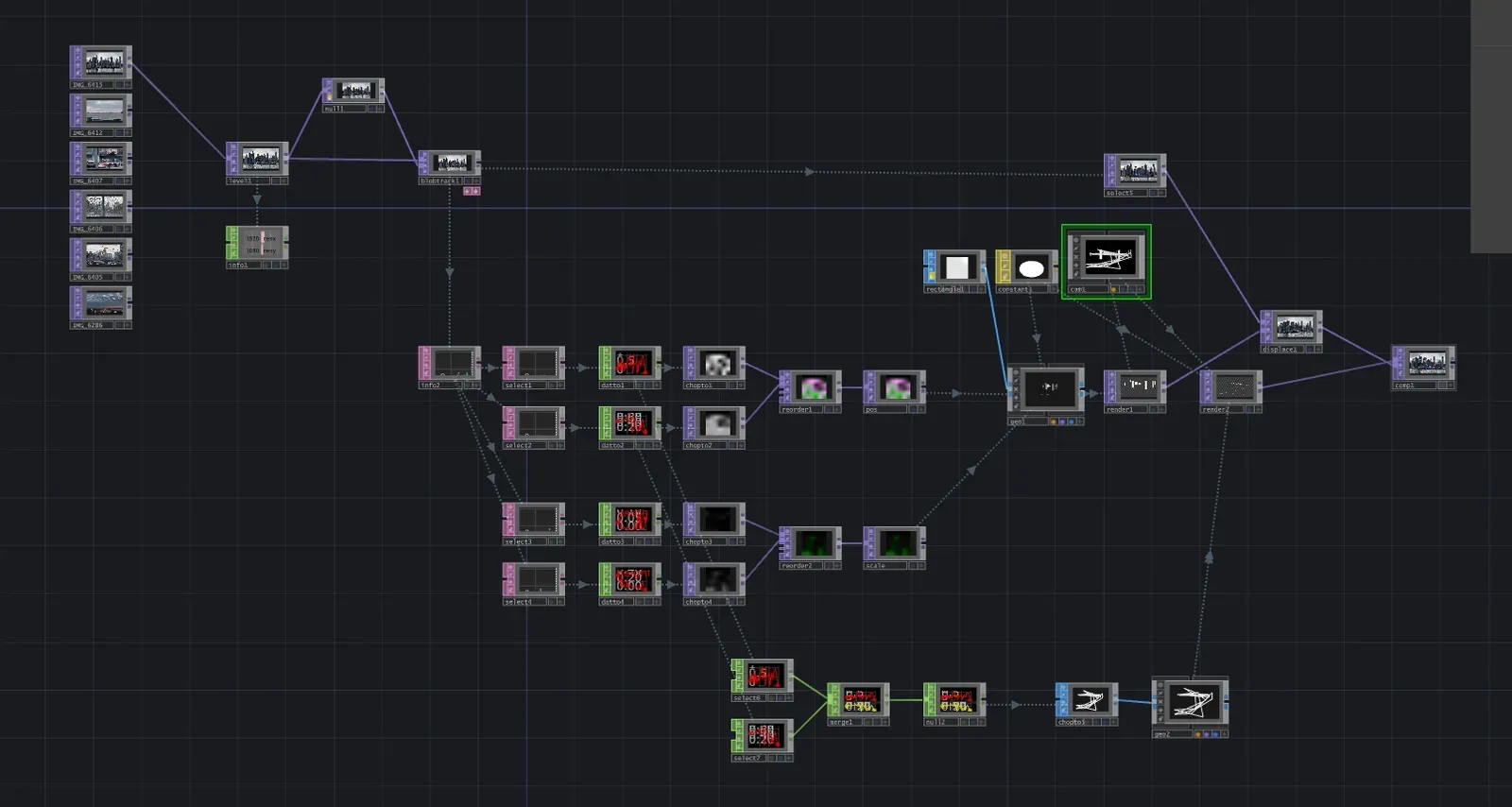
Blob Track
Core Logic:
- Use Thresholding to highlight target areas (e.g., bright spots or specific colors).
- Blob Track TOP detects these regions and extracts blob data like position and size.
- This data can then drive visual effects, particle systems, or physical interactions.
Converting the Blob Data
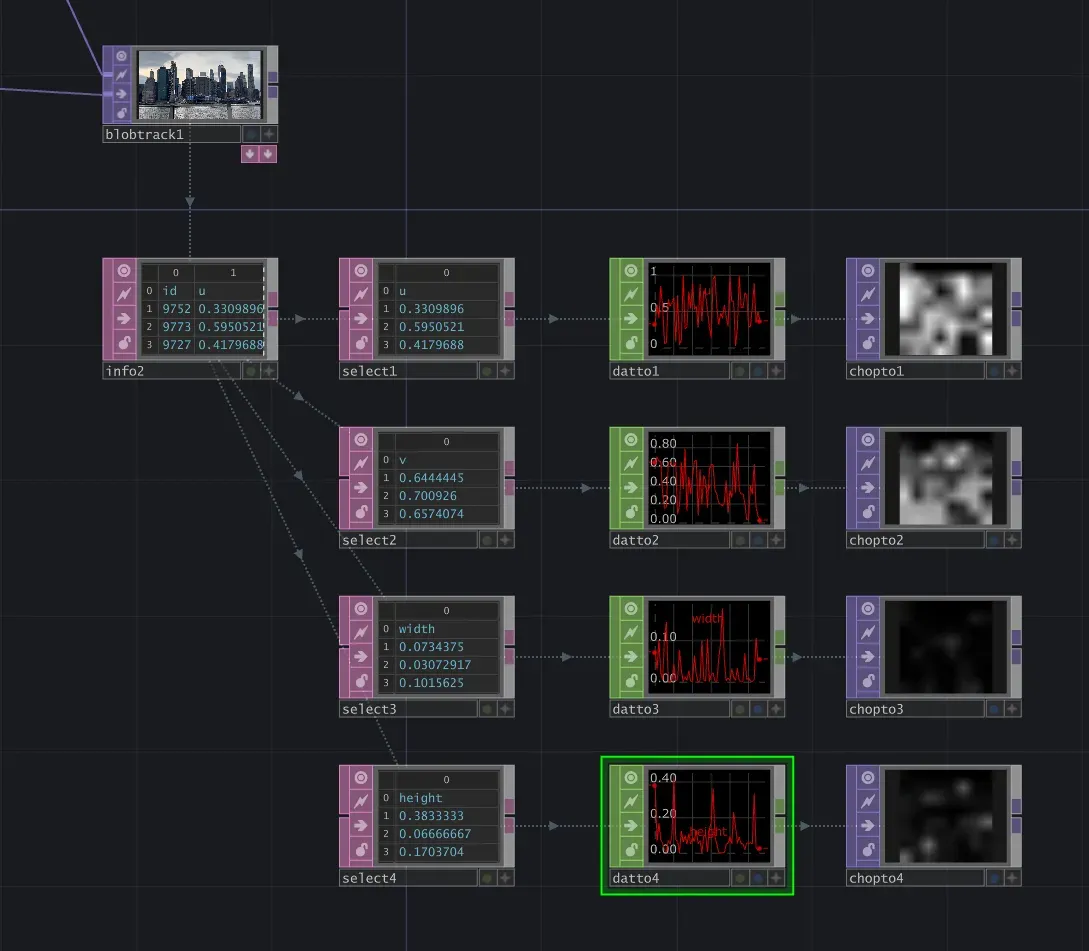
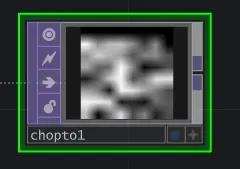
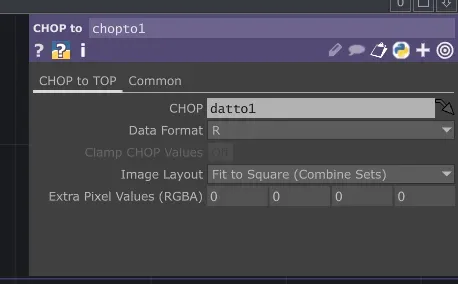
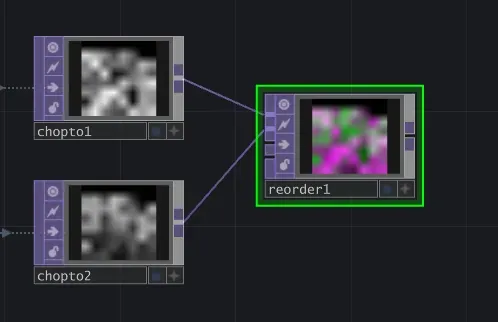
By capturing various blob parameters and converting them into an RGB format (where R represents X position, G represents Y position), we prepare the data for later visual processing. Now that we have R (Chopto1) and G (Chopto2), we merge them into a single RGB channel.
At this stage, whether it’s R or G doesn’t really matter—the key is leveraging the RGB format to store two separate variables efficiently. This doesn’t directly affect the visuals but is a purely programmatic way of thinking, which I really enjoy.
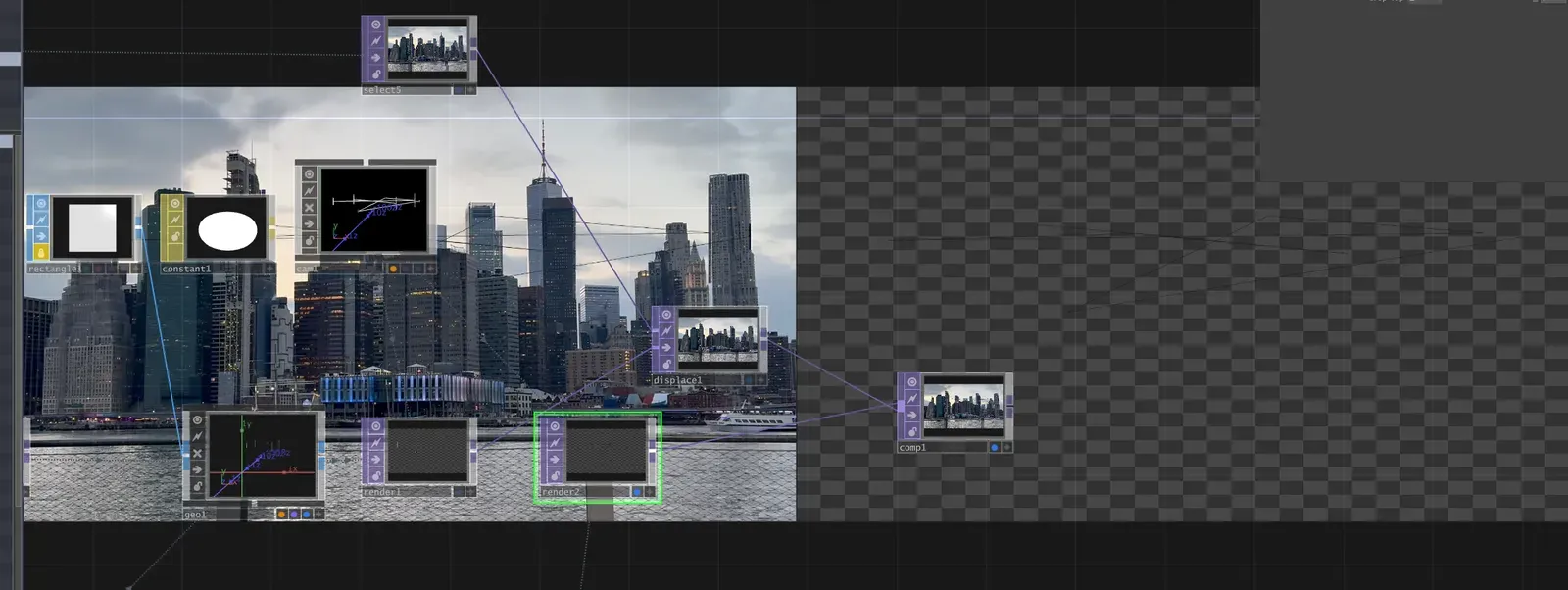
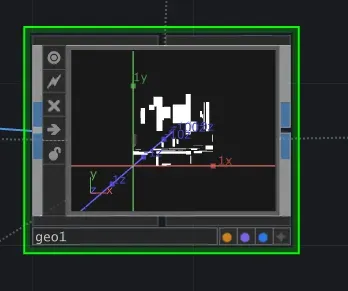
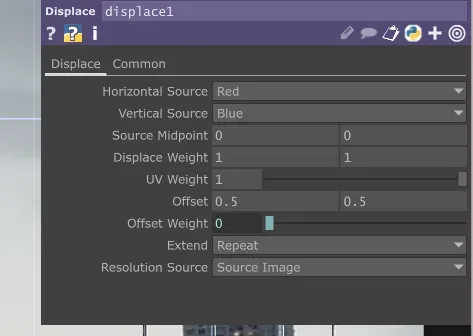
Within the geometry + camera system, we use the blob-tracked data from the original video to generate a grid of frames, effectively turning it into a mask. This mask is then used to overlay a displaced version of the original video.
Lines
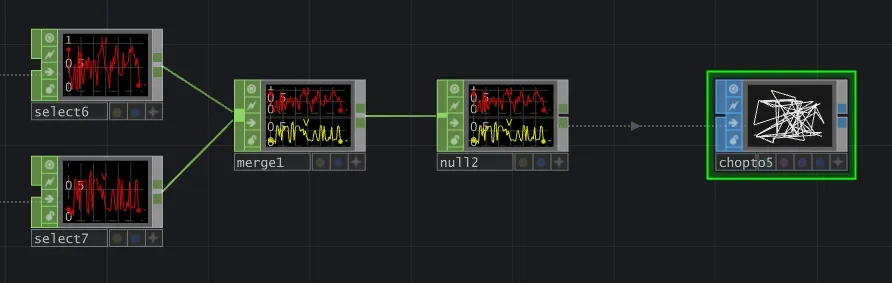
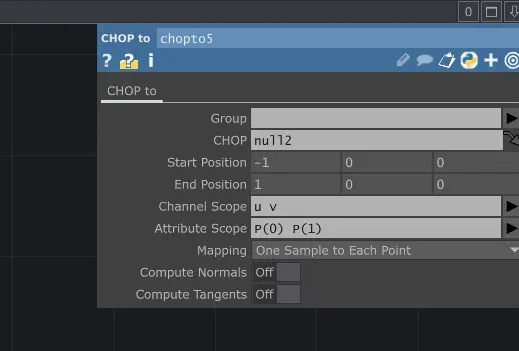
Finally, by extracting U and V data, we use Chopto to draw the connecting lines between them.
Scene Transition
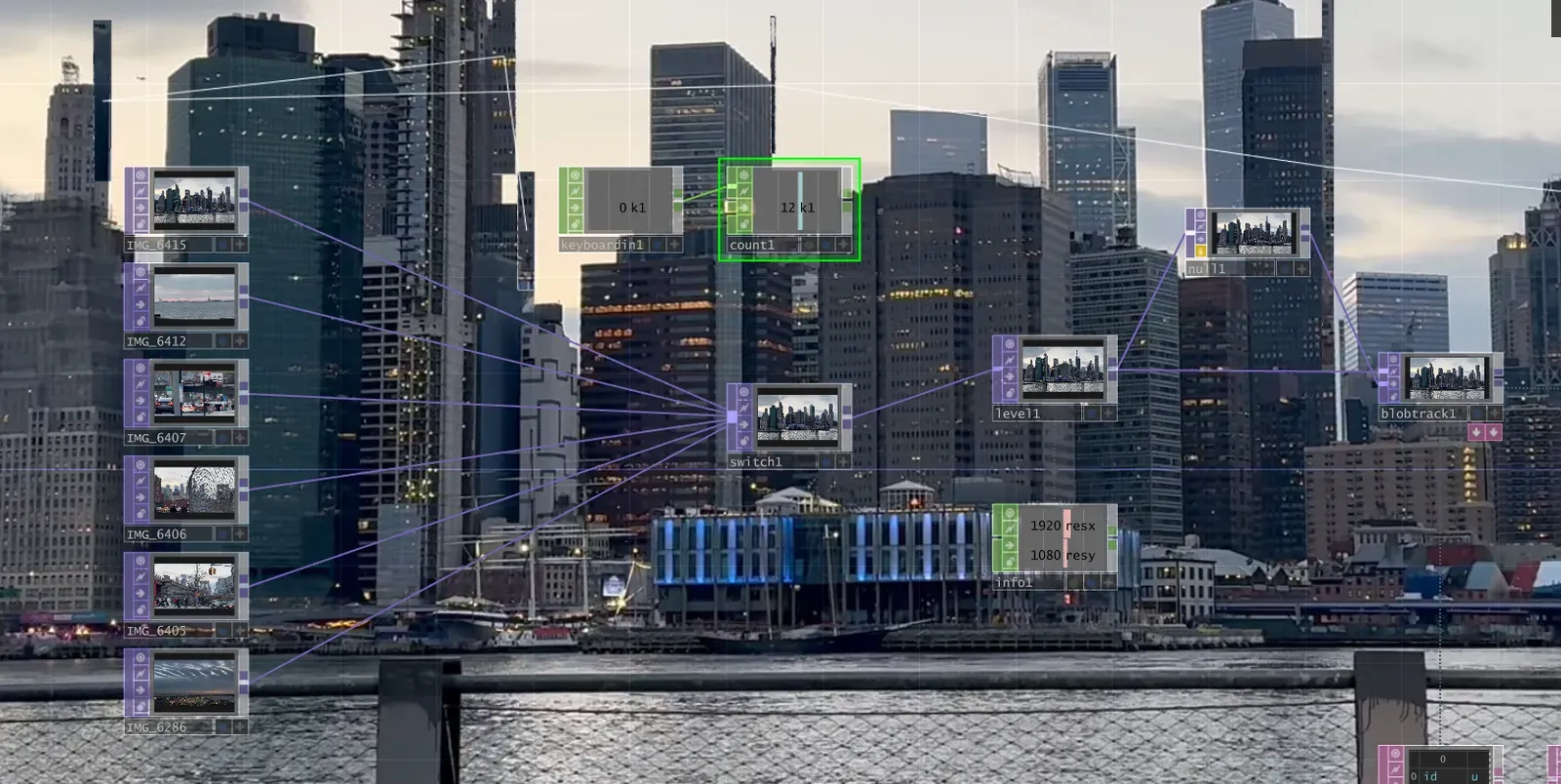
Tried to automate it—failed so many times… Eventually, I figured it’s best to just write a Python script.
Update: I gave up and just edited it manually.
Skills I learnt
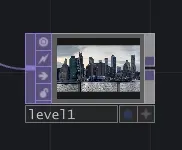
Levels
Levels can quickly adjust the overall effect.
Info
Dragging elements into Info gives you a ton of useful data. Choose the specific scope to extract the variables/constants you need.
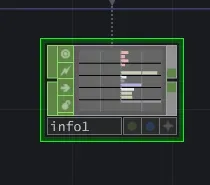
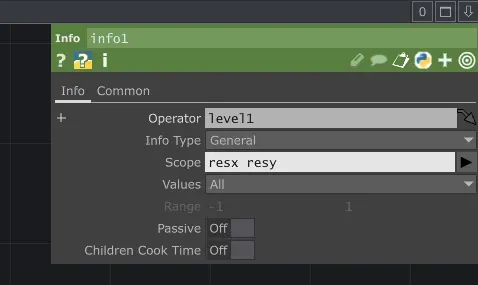
Another approach is using TOP effects like Blob Track, which lists out all generated variables, then you can pick the one you need.
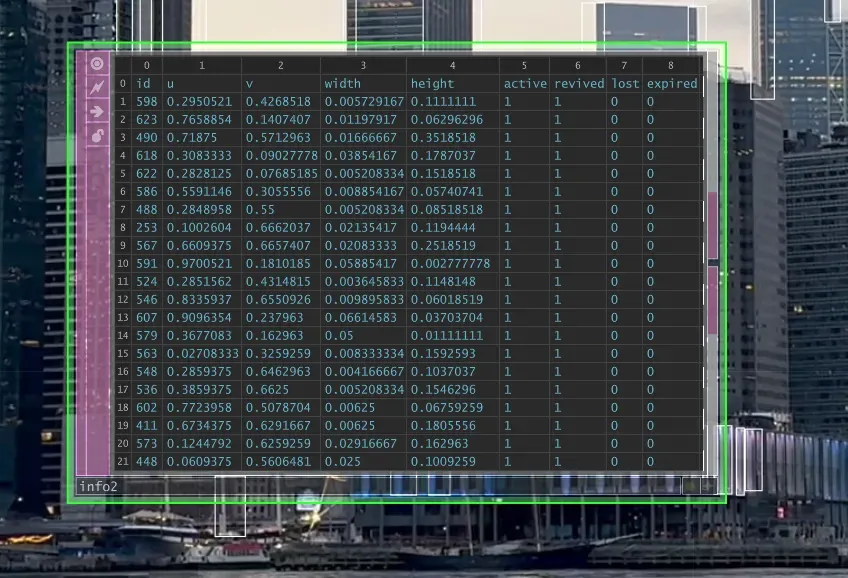
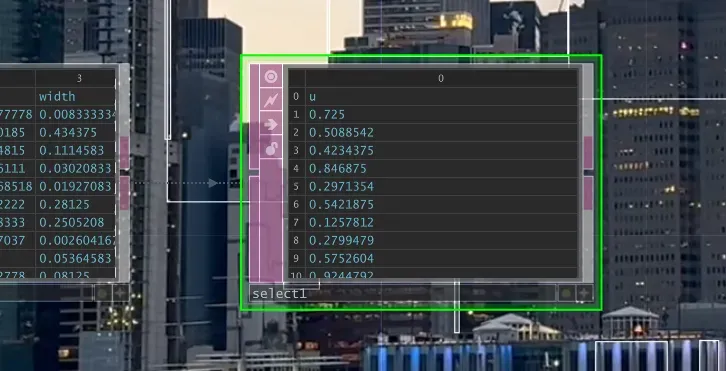
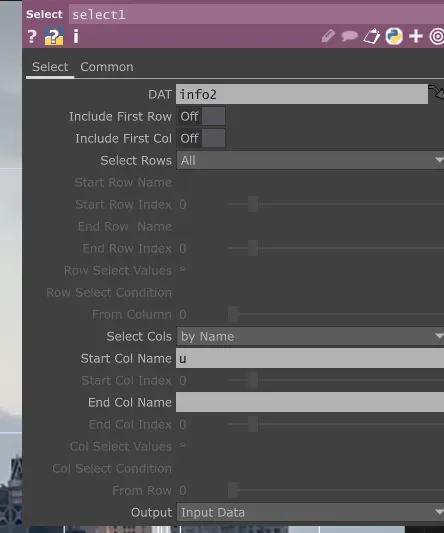
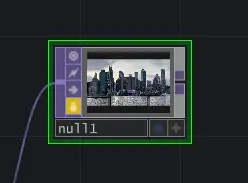
null
If you need to convert a large set of calculations into a stream, just feed them into a null (like pos here).
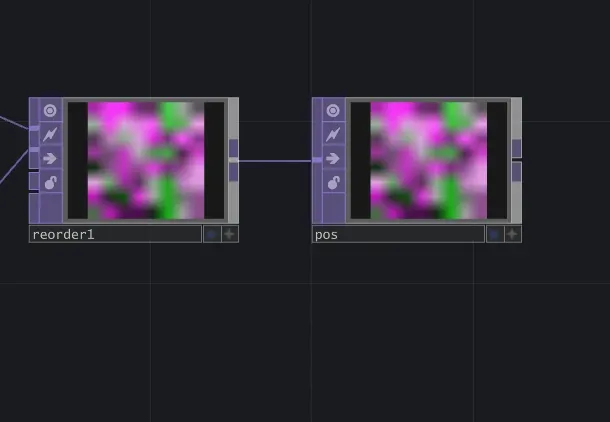
Locking a frame (small lock icon) is useful when working with blobs because it helps compare frames.
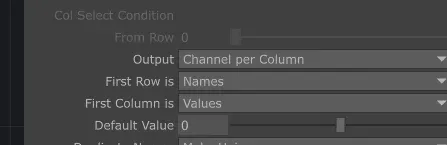
Dat to
Chop to
Reorder
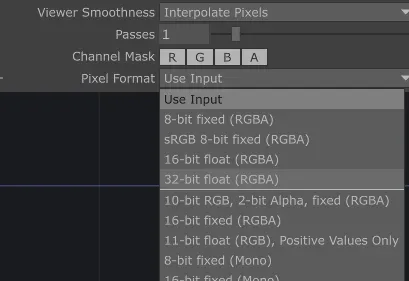
You can merge two dynamic data streams into an RGB image, but don’t forget to change the pixel format
Camera & Rendering
About this non-TOP section:
I only know I need to:
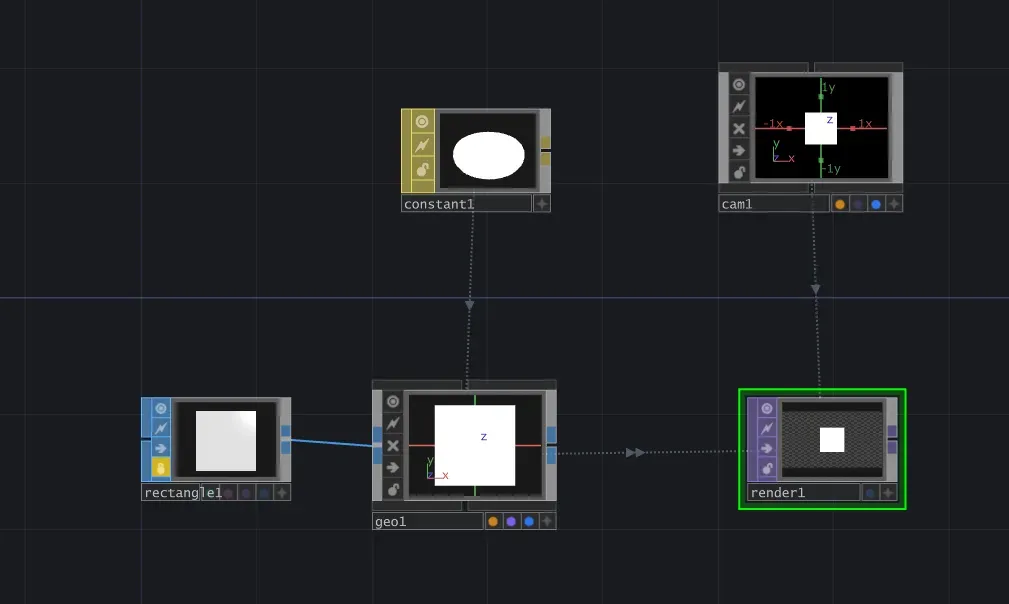
Generate a shape.
Convert that shape into a Geometry.
Set up a Camera.
Drag both Geo and Camera into the Rendering node.
The Constant here is just for quickly tweaking the geometry.
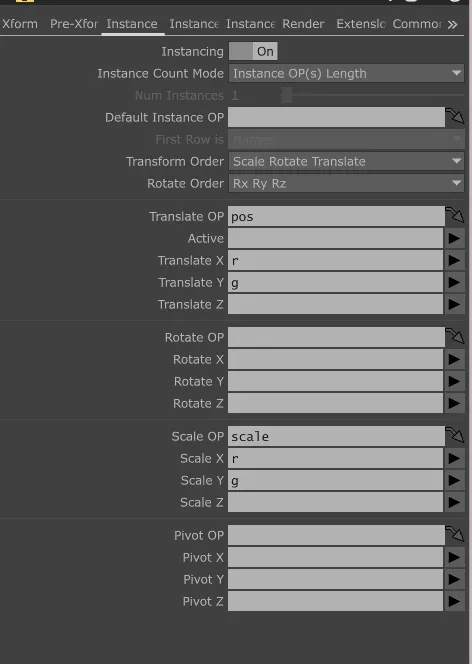
Next, enable instancing so you can adjust the geometry using global variables. We just set up two global variables: pos and scale.
Displace
Resources
Trace and Blob Tracking Effect in Touchdesigner
Simple video mixer with CHOPs (Touchdesigner tutorial)
Export TouchDesigner to mp4 file