THE GARDEN IS A LOOP
A 3D garden that’s also a step sequencer: each plant plays a guzheng loop, and how you shape it changes the sound. Visitors can explore each other’s gardens.
Still editting!! Too much stuff here
(The Code of Music version)
Designing
References & Inspirations
I’m looking for a garden style page to refer to.
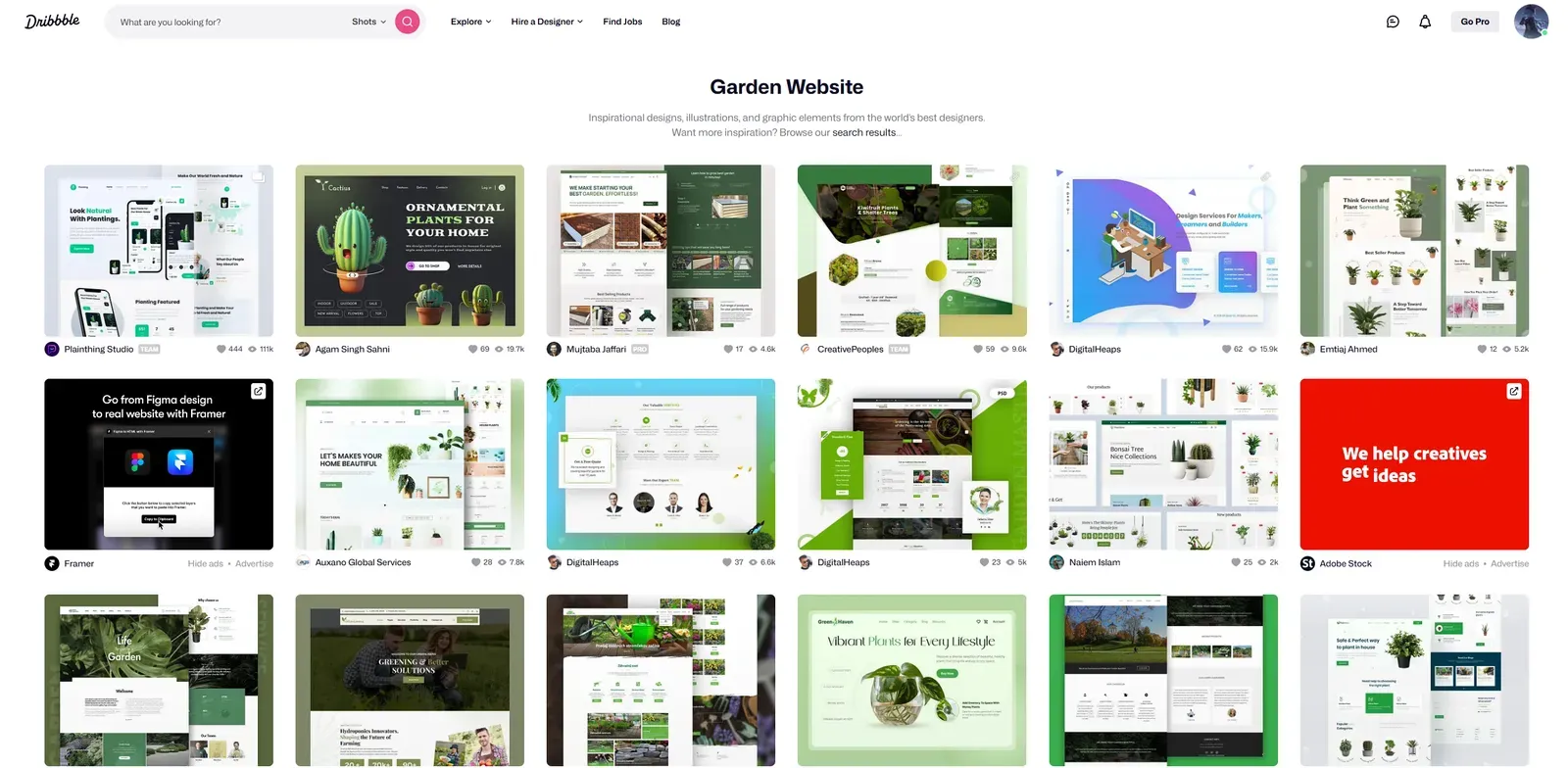
This is …… a disaster!
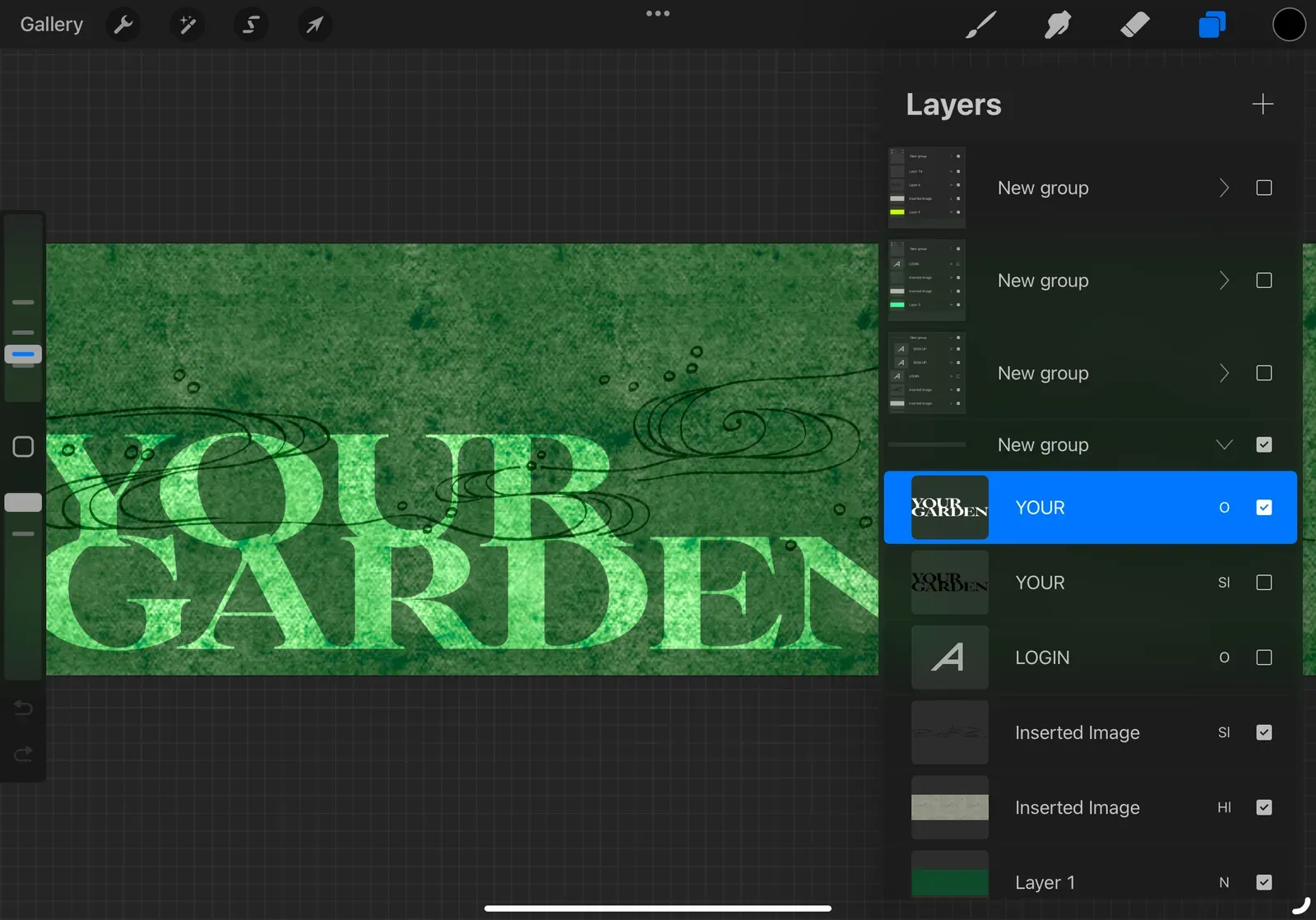
I like the kind of garden that is Japanese, but with a thin frosted texture, dominated by misty, emerald green, low saturated wood textures. So I tried to gather some references
Story Telling
The viewer arrives at a quiet Japanese garden. The garden is dotted with small pavilions, each with a skylight in the center, where the light from the sky pours down and the grass becomes a space where music is nurtured. Each pavilion has its own unique melody, like the breath of the world.
Audience members can stroll through the courtyard and listen to the music of each pavilion. As they walk to their own kiosk, they can plant new notes in the grass.
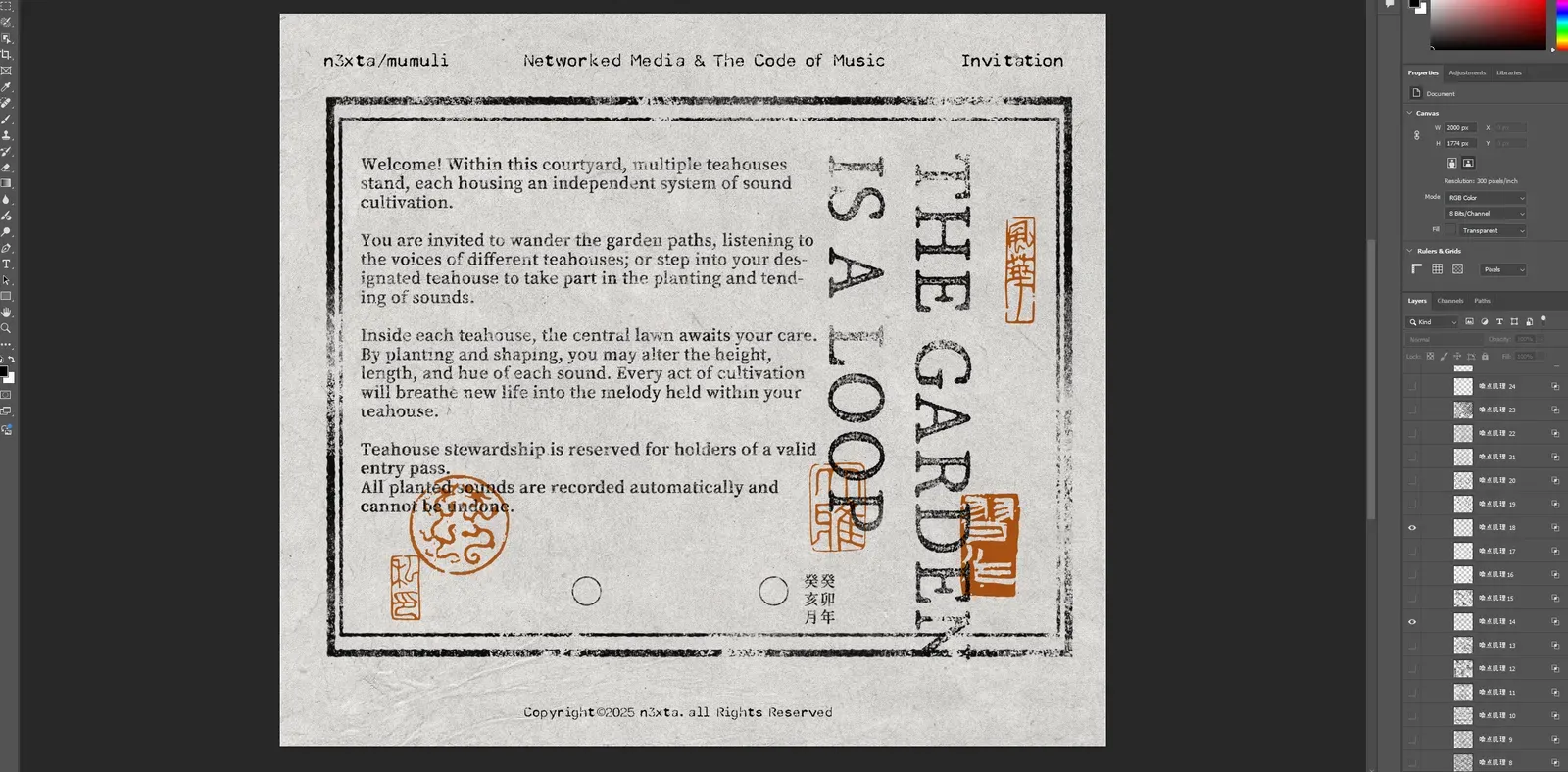
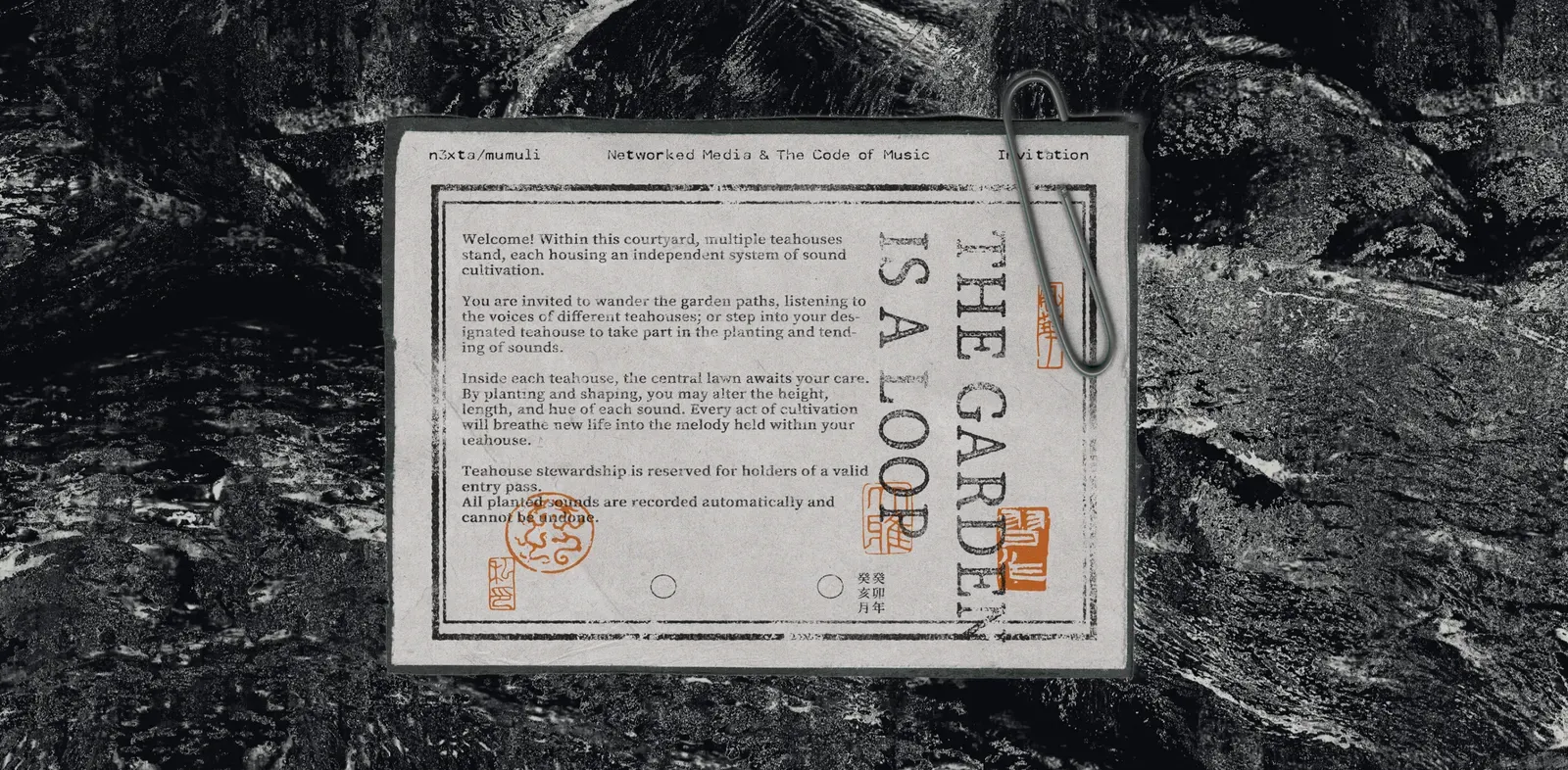
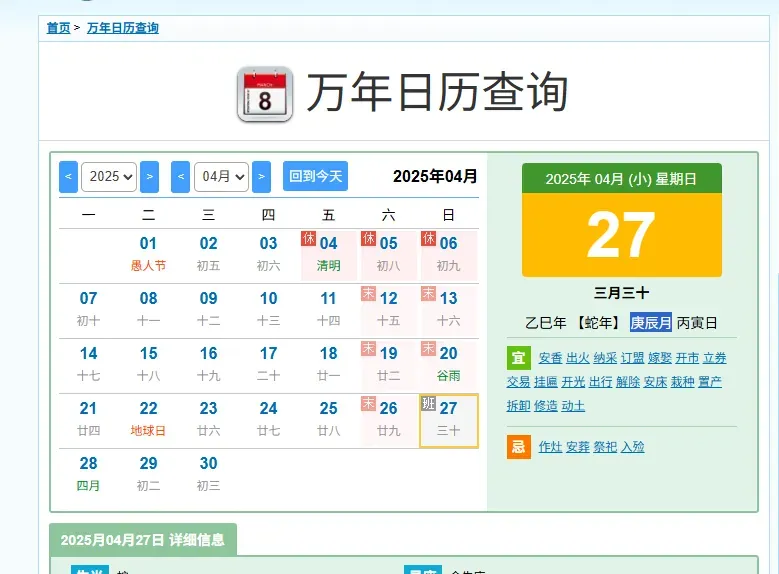
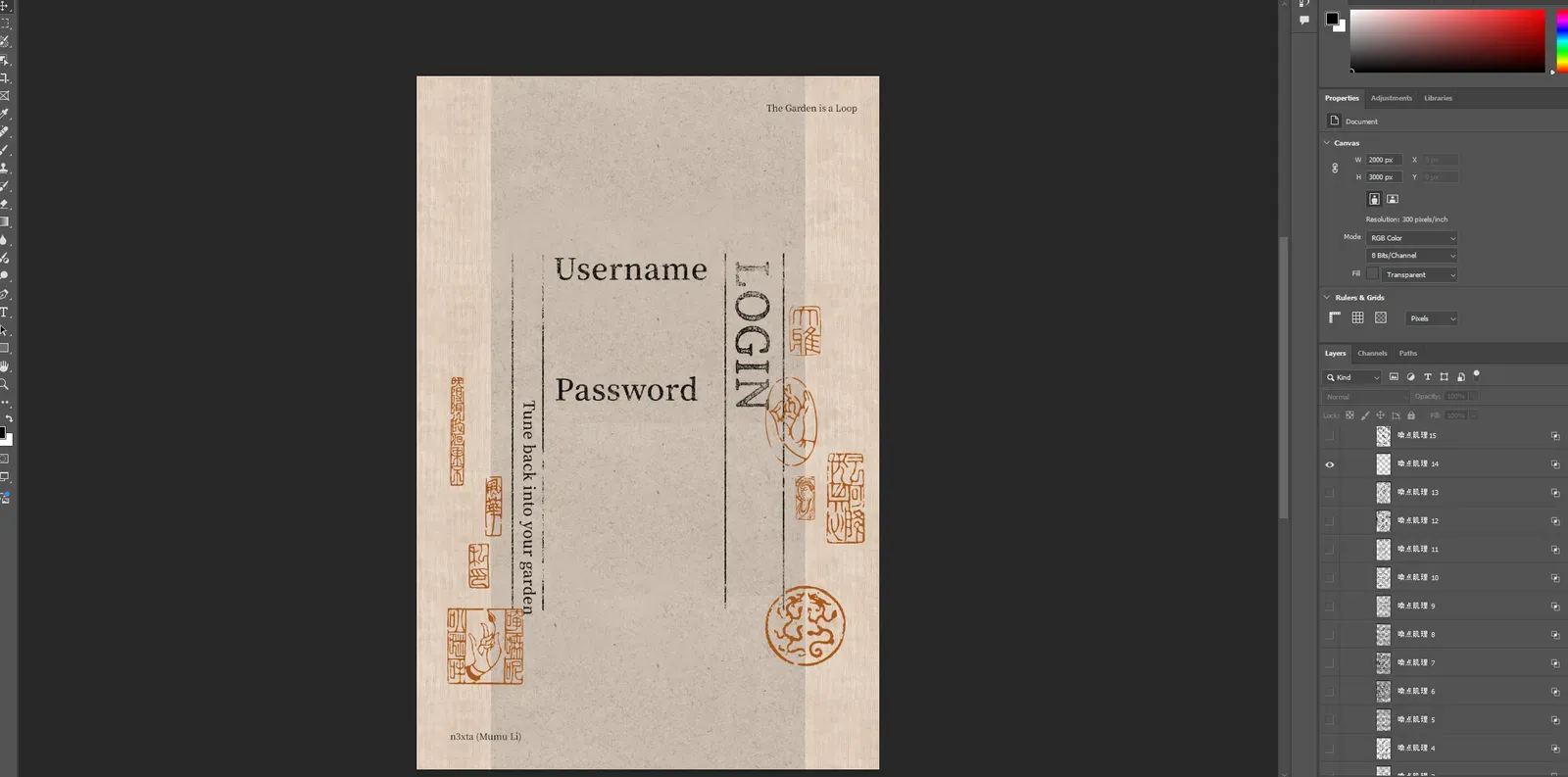
The index is the map and manual that the audience gets before they come to the world, so I’ll present it in paper and print texture.
[Button] Claim your pavilion and enter the courtyard.
Trees & Flowers
I’m looking for assets with this lowpoly feel (although I have a feeling the one below is ai generated ……)
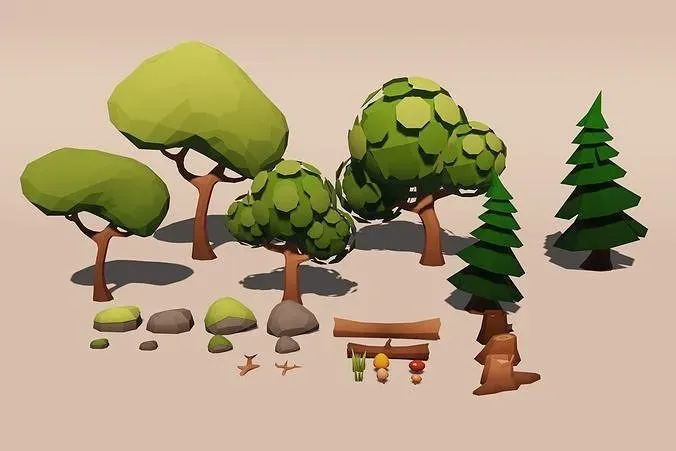
I was choosing between the following assets
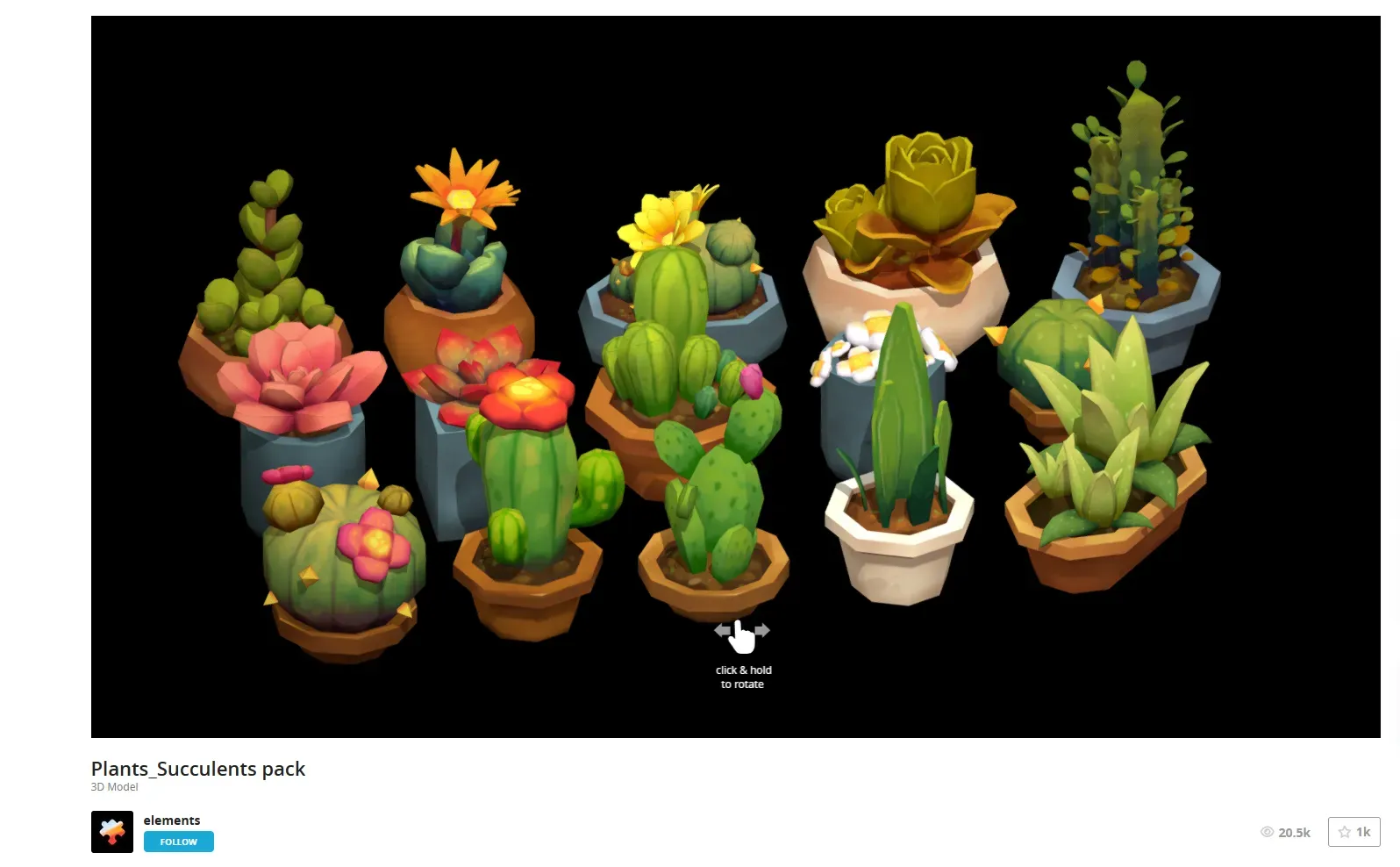
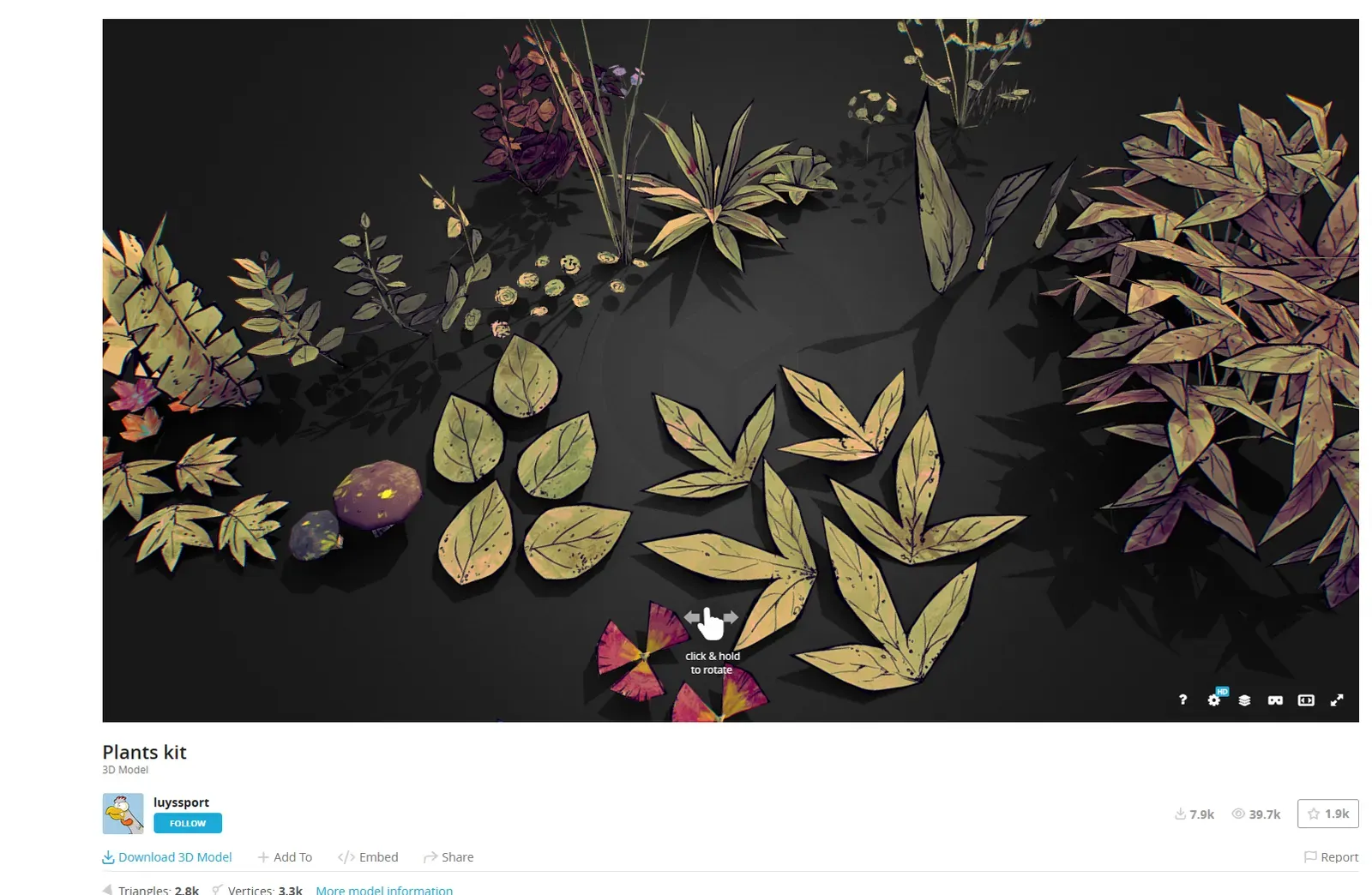
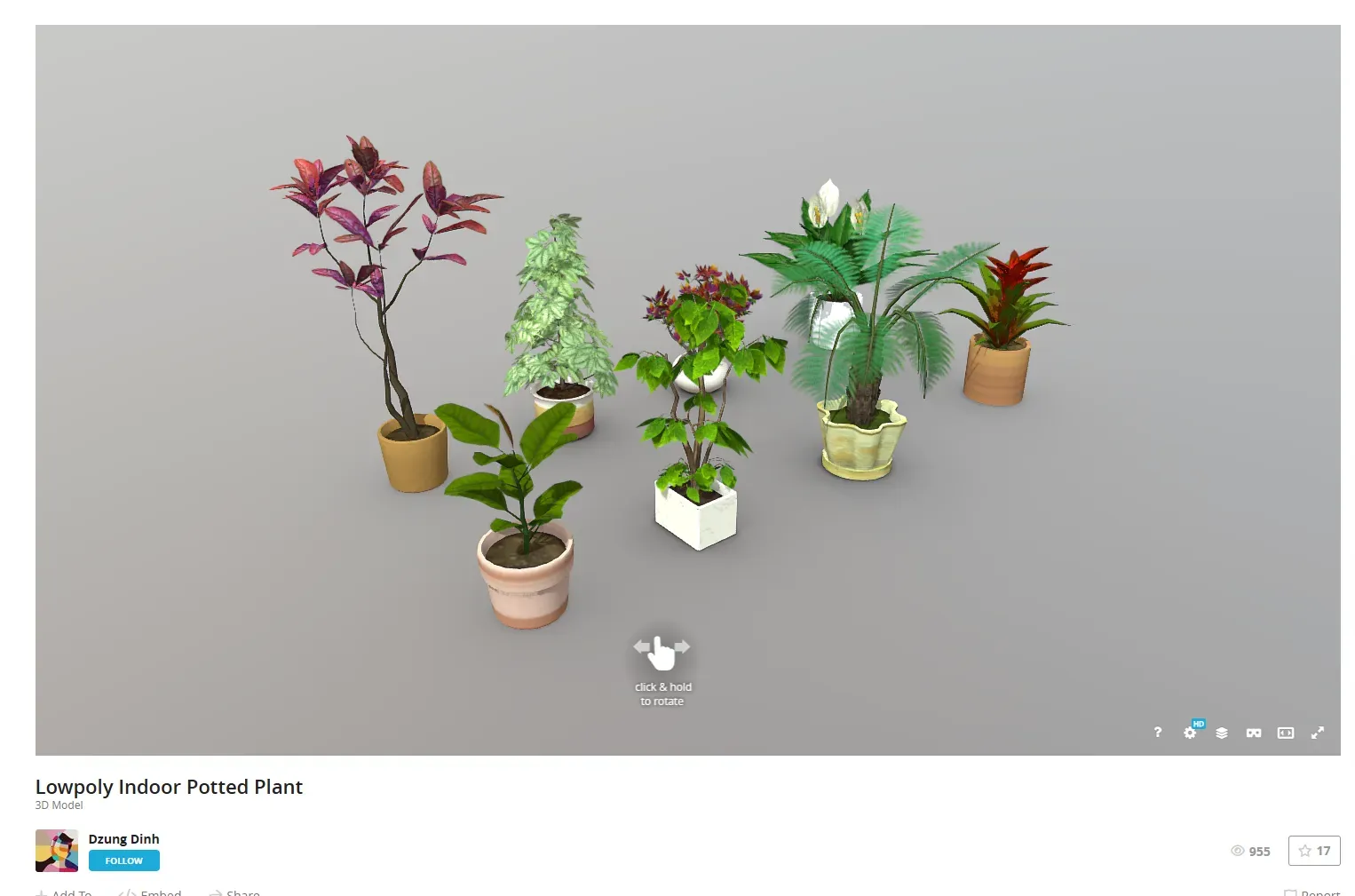
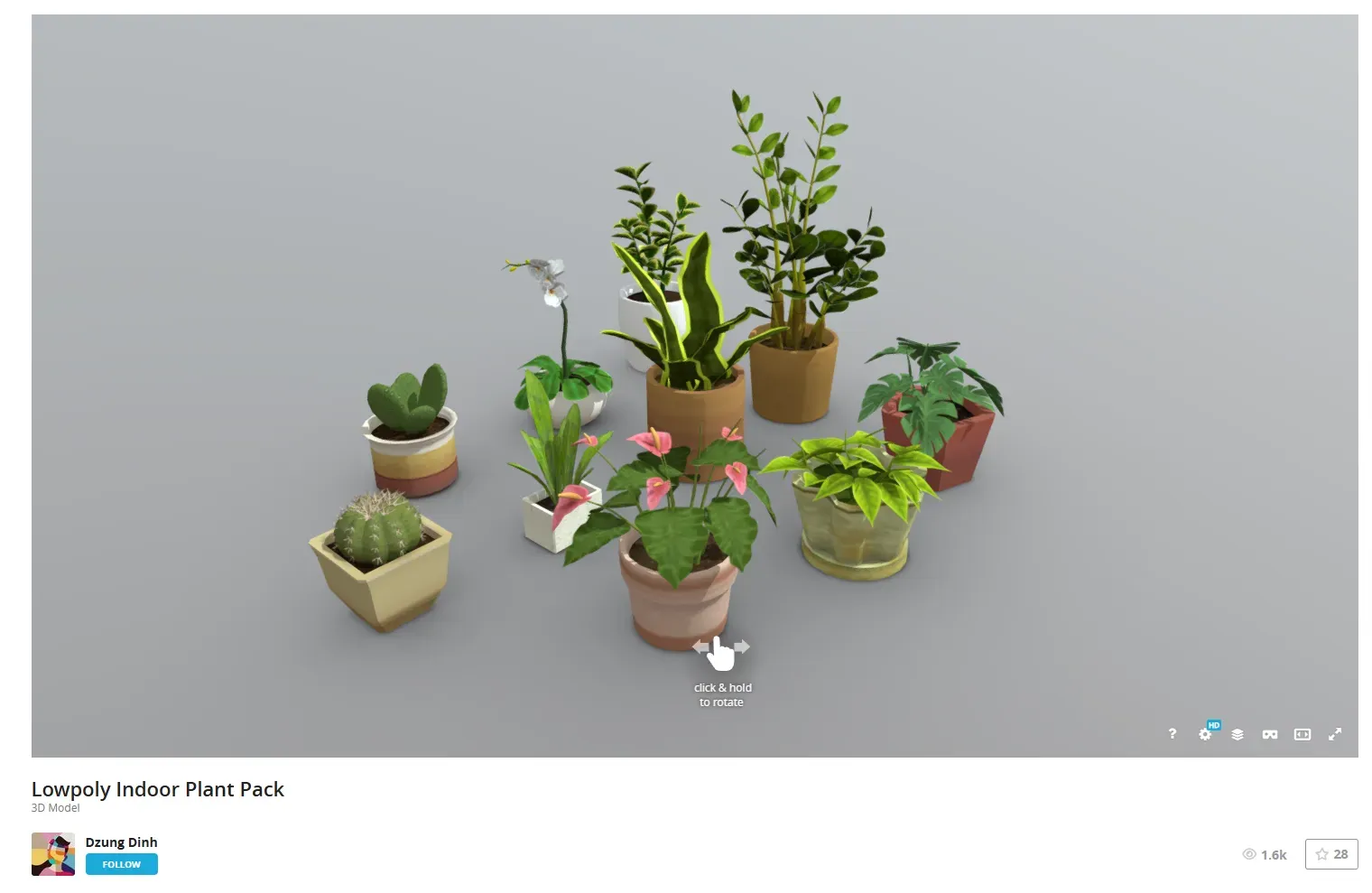
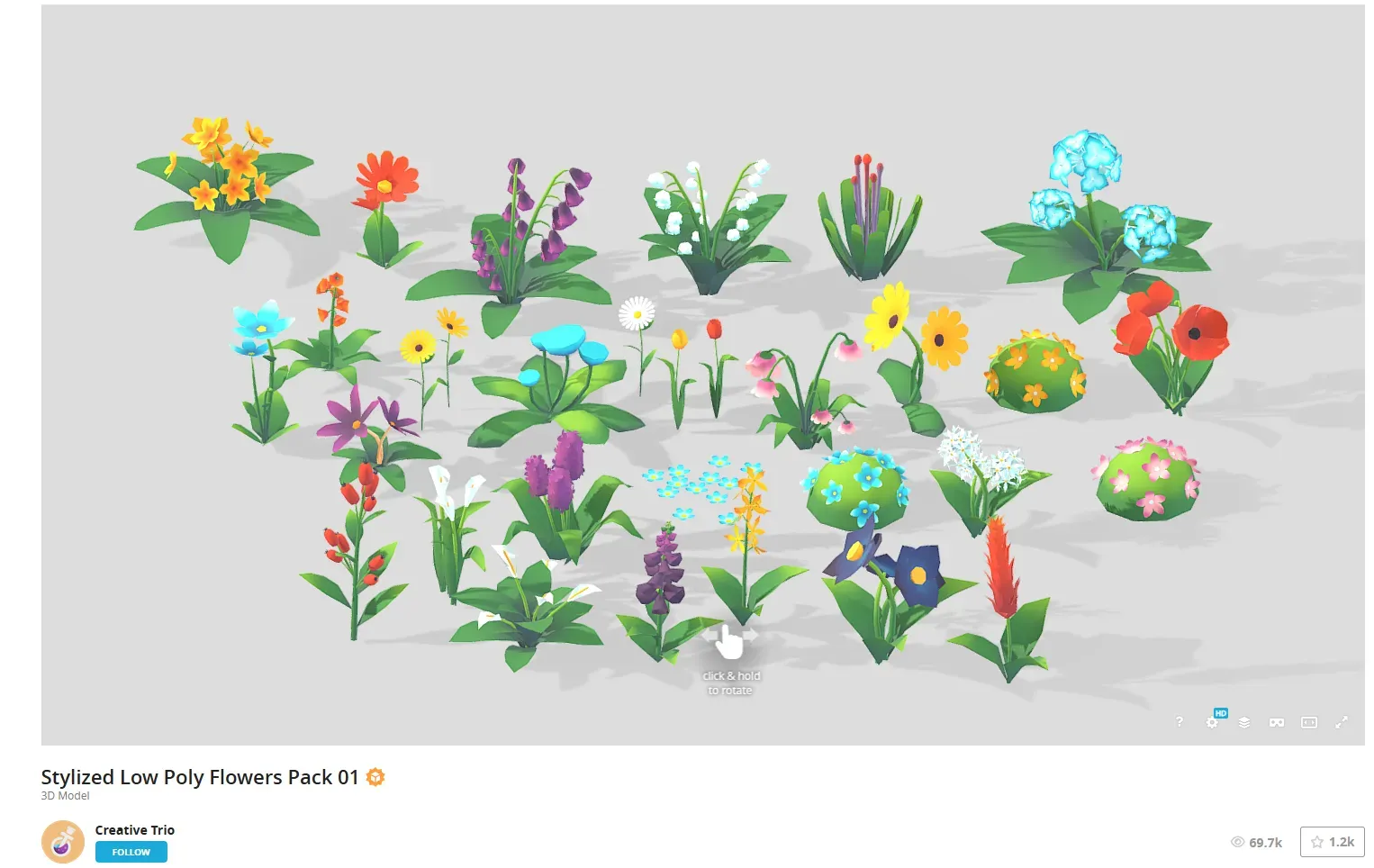
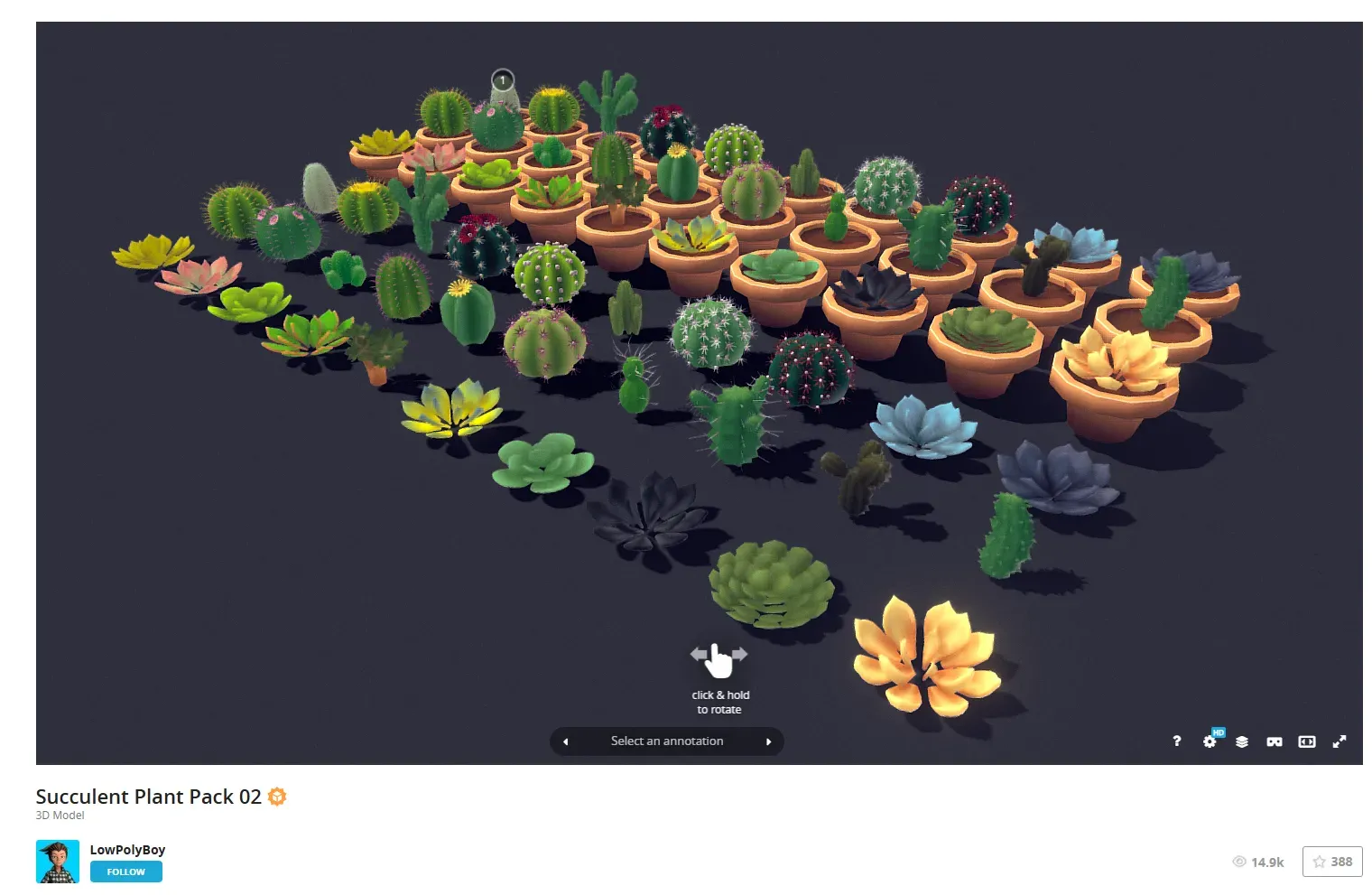
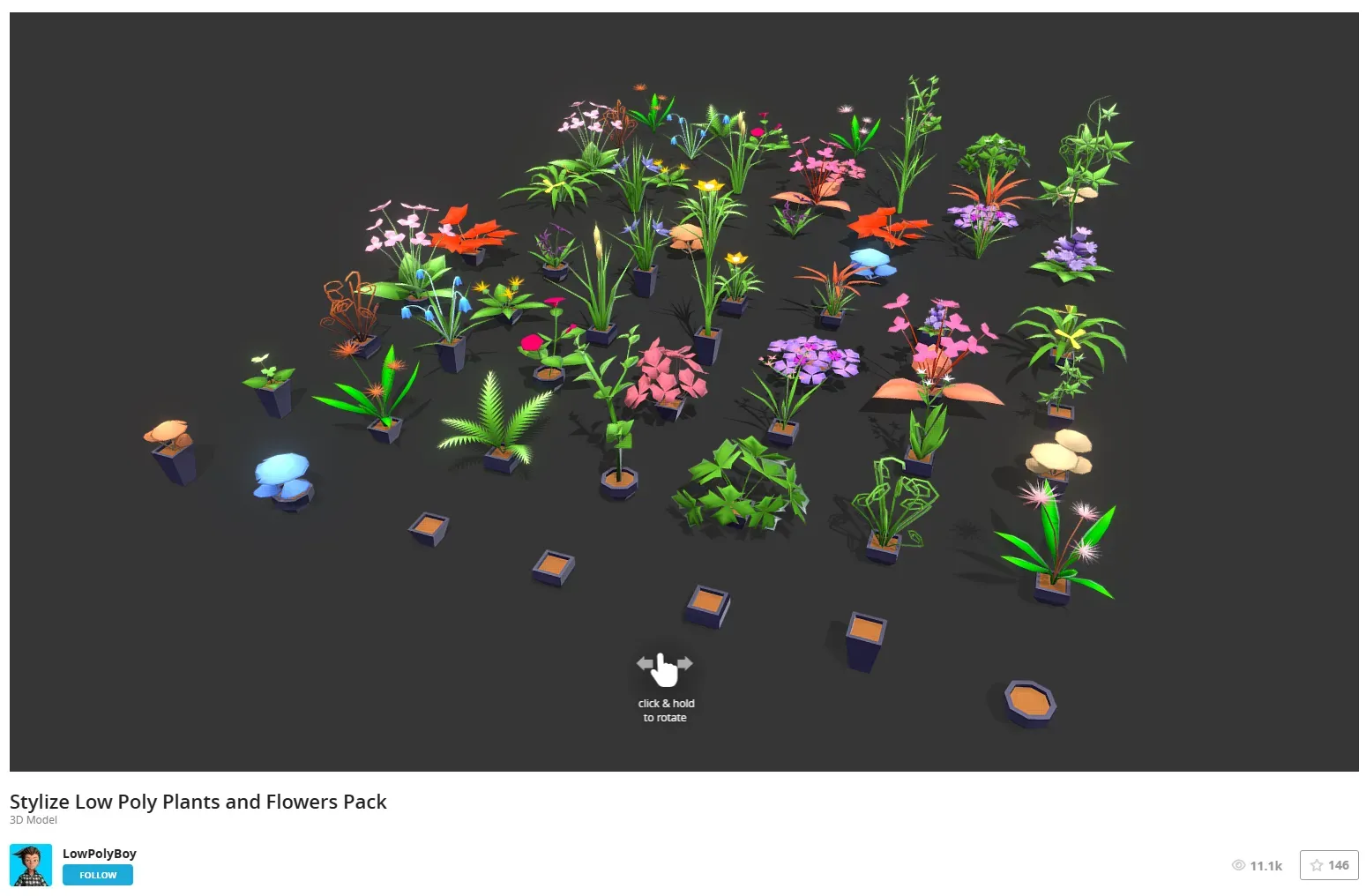
I ended up choosing the two sets that I thought best fit my style.

Font
Index Page

Coding
Planting
Choosing the right 3D model format
| Format | Evaluation | Conclusion |
|---|---|---|
| FBX | Old, bulky, Three.js requires extra loader, hassle | ❌ Not selected |
| GLTF | Standard format, but resources are scattered (gltf+bin+texture), troublesome to deploy | ❌ Don’t choose |
| GLB | Single file to package everything, directly supported by Three.js, easy and fast loading | ✅✅✅ Most recommended |
| USDZ | Apple-specific, mainly used for AR, not suitable for web projects | ❌ Not Selected |
✅ Last choice lowpoly_indoor_potted_plant.glb file.
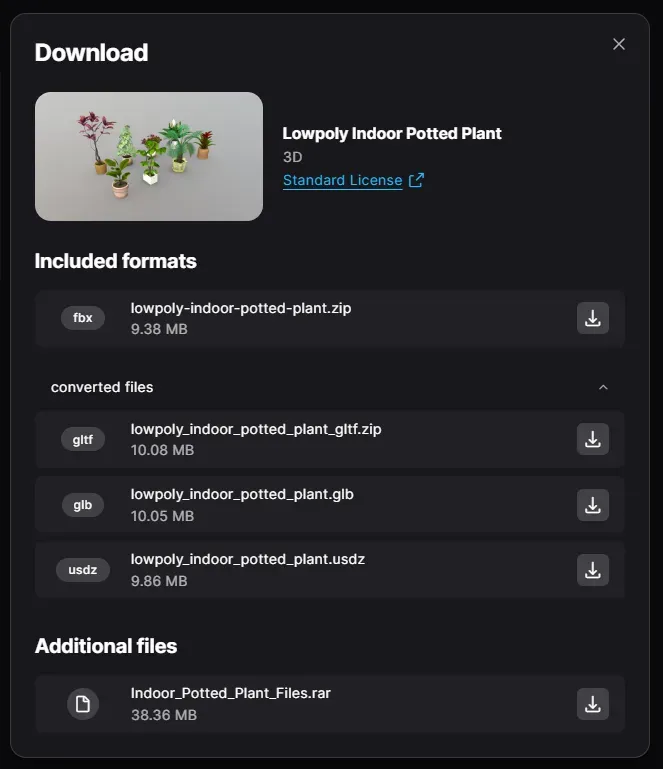
Load the model with GLTFLoader
Identifying the GLB internals
I initially wanted to export multiple GLBs directly with Blender, which means I had to download Blender ➔ load the glb ➔ select them one by one ➔ export the small glb files individually. It felt like a complicated, time-consuming process, and I had to redo it every time I changed the model.
So I asked gpt, he said it’s ok to just use the front-end to directly clone the cut child objects, use the Three.js loader to extract the .children directly, clone each plant
This is the tricky part. Just after loading, gltf.scene is the outermost layer of the Group. real models are usually very deep and need to be expanded layer by layer .children[0].
So I created a debug.ejs page to specifically load that GLB file, showing all the child objects (plants) in the 3D scene, tree by tree, printing out the names, numbers, and confirming the resource structure.

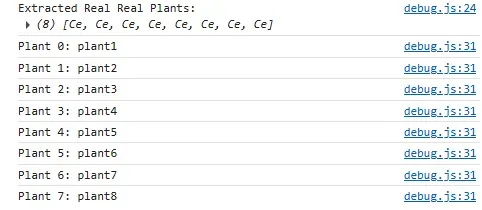
In this project, the structure looks like this:
text
CopyEdit
gltf.scene
  └── Sketchfab_model
       └── main_scene_fbxfbx
            └── RootNode
                └── [真正的plant Meshes]
So the correct way to extract the plants is:
const sketchfabModel = gltf.scene.children[0];
const mainScene = sketchfabModel.children[0];
const rootNode = mainScene.children[0];
const plants = rootNode.children;
So that inside theplants are really 8 plants Mesh.
Putting plants into garden
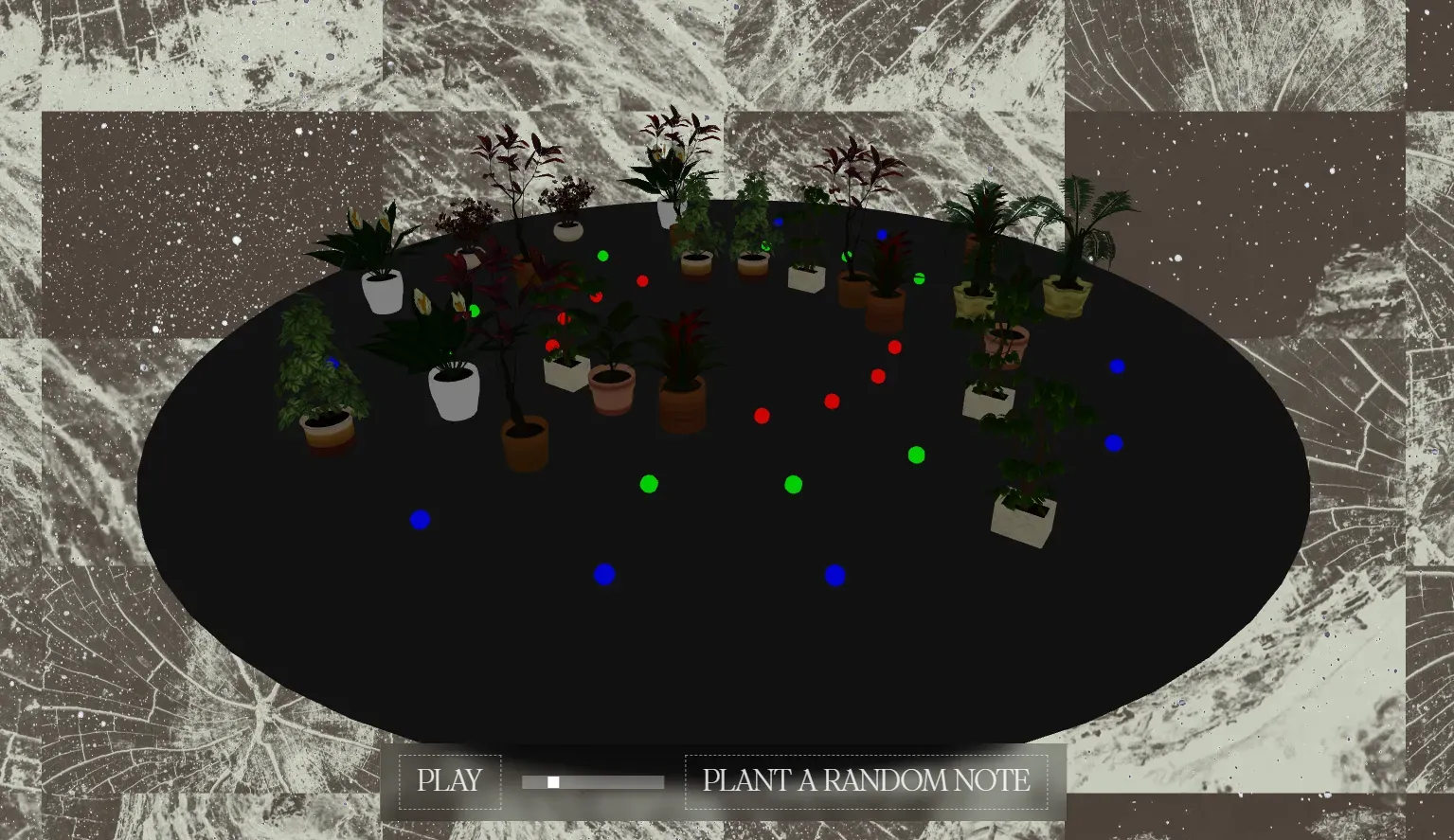
Since I’m using a random cube for my wireframe, now instead of using squares (cubes) as plants, I’m going to randomly draw a plant from the given 3D plant model pack (pack1 / pack2).
- Load
lowpoly_indoor_potted_plant.glb - Find the plants Mesh array:
plants = gltf.scene.children[0].children[0].children[0].children - When planting, select a random
plantfrom theplantsarray, clone it, and add it to the scene.
Where’s my plant?

Zoom in to find out:

Garden scene construction
I’ve tried a lot of lighting methods but nothing works.
The plants are still dark and can’t be illuminated.
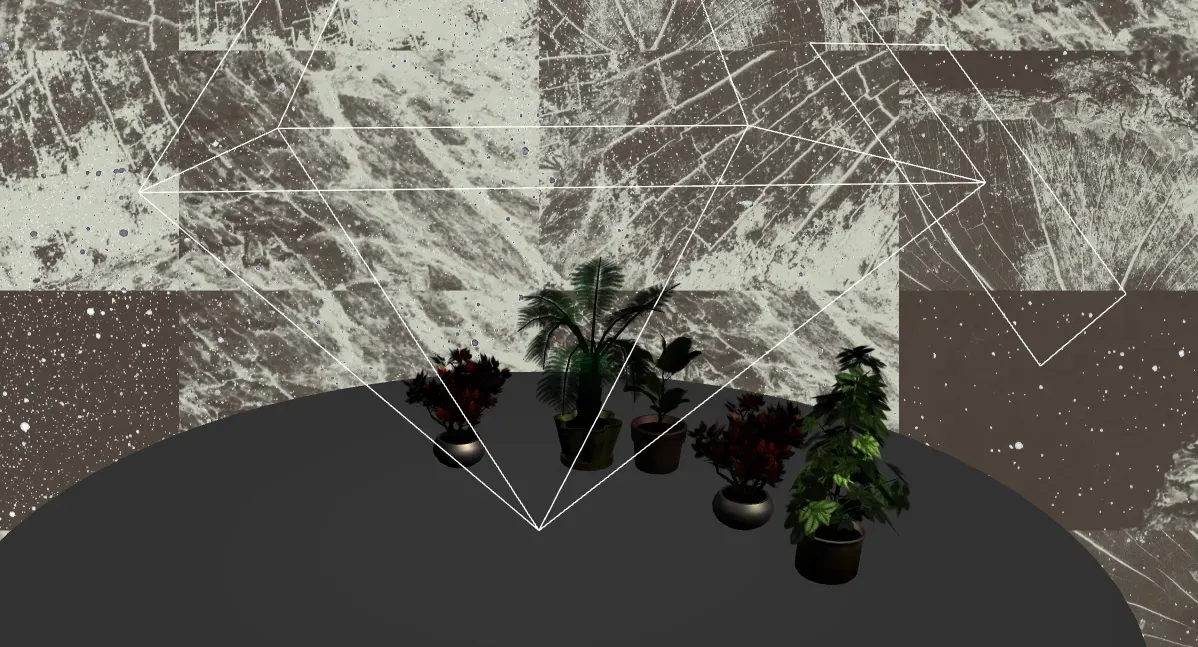
I’m pretty headstrong, so I decided to see if I could start with materials.
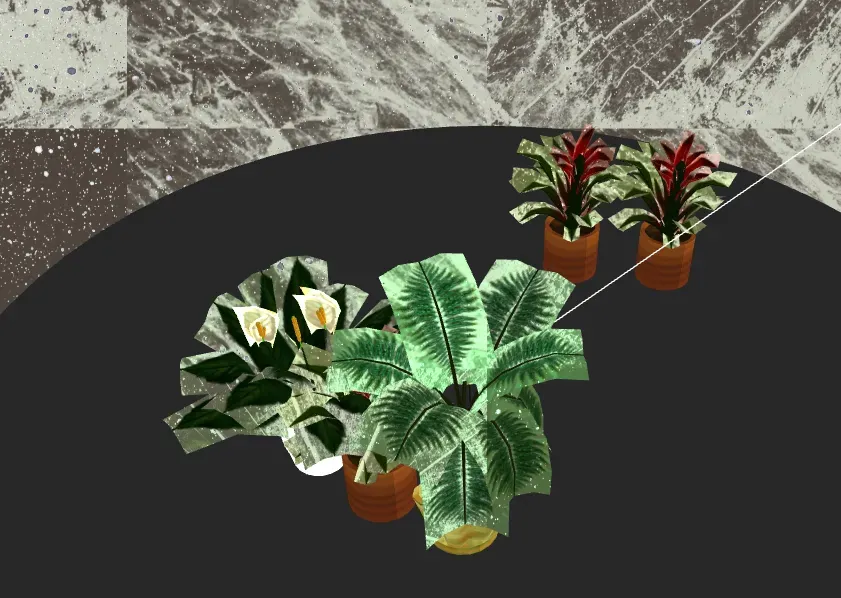
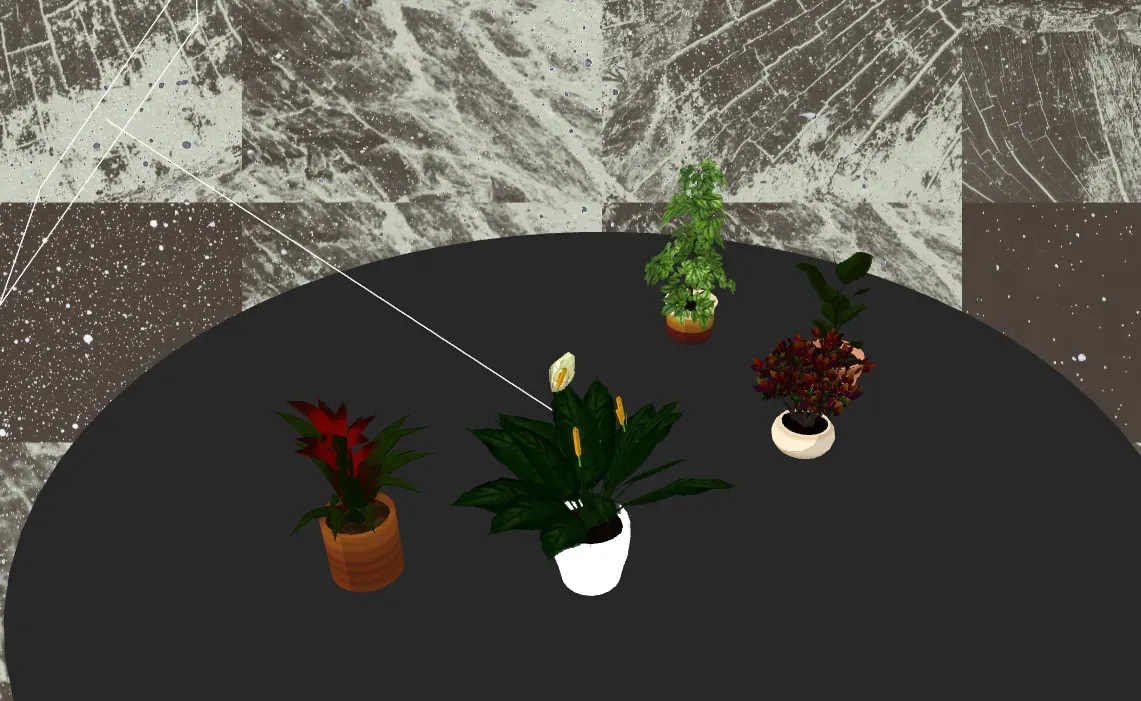
alpha test: The leaves are actually planes, and a PNG with a transparent background (alpha) was pasted on them, which would look like this if left untreated:
Anti-collision volume debugging:
The plant is not properly situated in position:
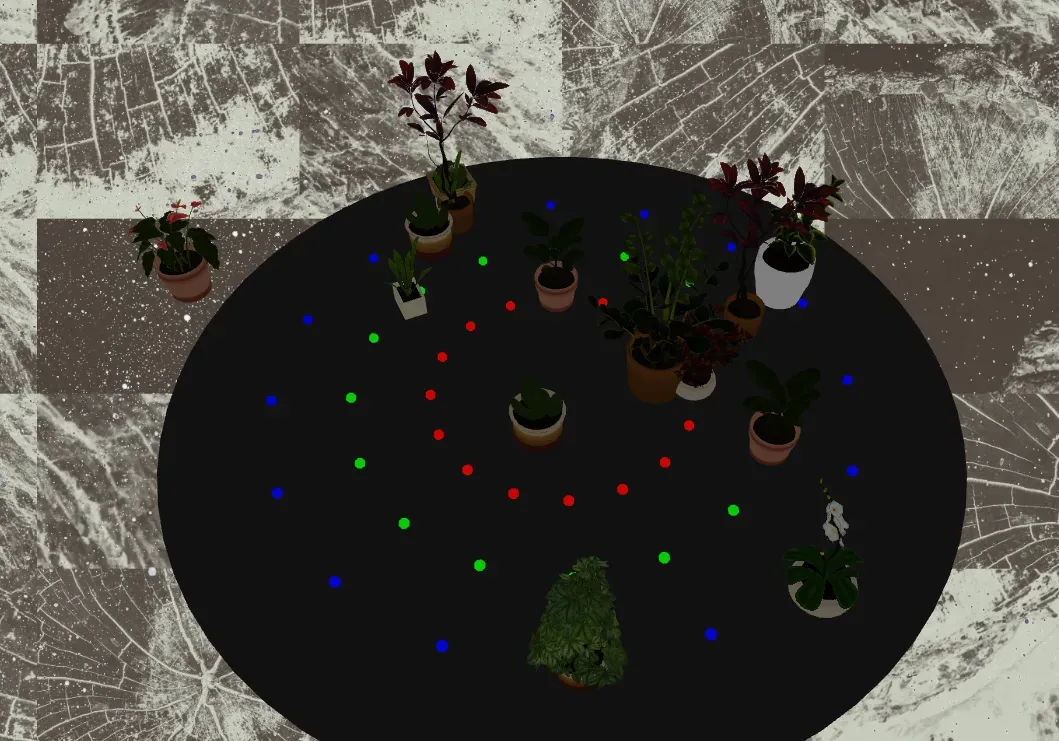
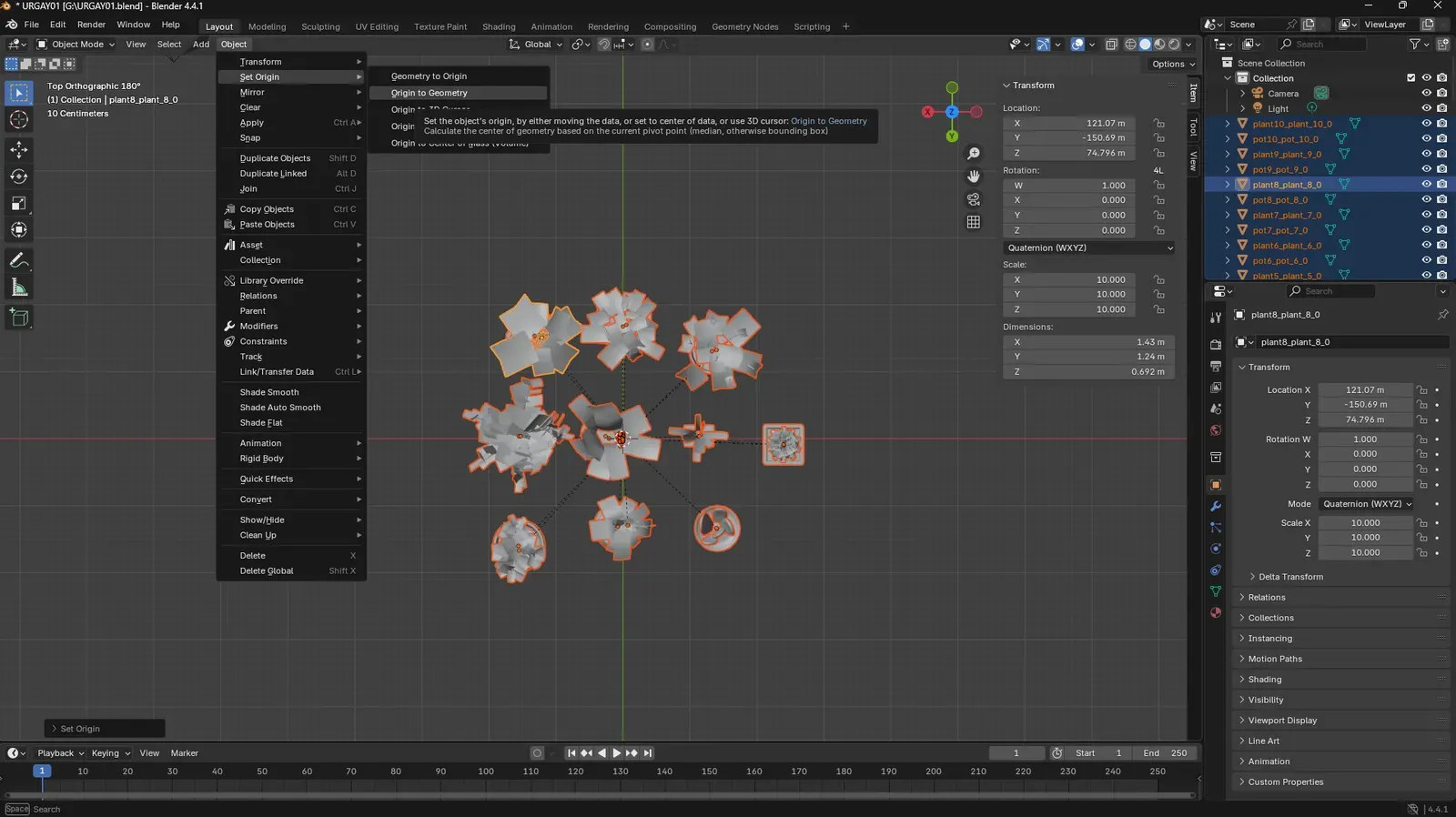
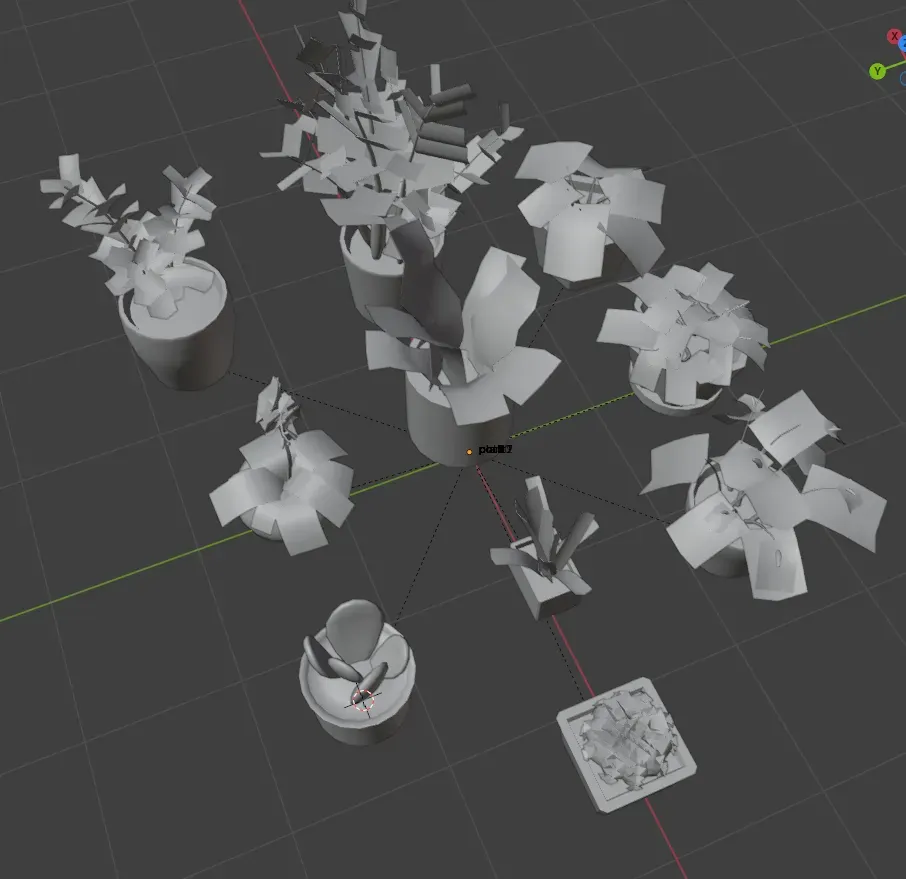
This means that the internal center of the plant (pivot) itself is not at the bottom, but somewhere in the mess.
This I really couldn’t do anything about and asked gpt to do me a favor. He said:
👉 The correct way to do this is: 1. set an empty parent Object3D outside to wrap around the plant 2. tune the position for the parent, without going to hard-move the geometry of the submesh! In other words: instead of doing
geometry.translatefor each child, you create an empty **pivotContainer**after cloning the plant , and then make the plant a child of the pivotContainer. Then move the pivotContainer as a whole!
Music Interaction
Oriental music

Initialization & Basic Setup
-
Play control and BPM:
let bpm = 80;
Tone.Transport.bpm.value = bpm;
Tone.Transport.scheduleRepeat(onBeat, "16n");
The project sets the tempo at the beginning and schedules the
onBeatfunction to fire every 16th note. This function drives the rhythmic engine of the garden.
Each Plant Has Its Own Sound Chain
When I plant a new itm (via createPlant()), the system creates a dedicated audio chain for it:
const plantSampler = new Tone.Sampler(sampleMap).toDestination();
const plantFilter = new Tone.Filter(800, "lowpass");
const plantChorus = new Tone.Chorus(4, 2.5, 0.3).start();
const plantDelay = new Tone.FeedbackDelay("8n", 0.3);

// Chain the audio nodes
plantSampler.disconnect(Tone.Destination);
plantSampler.chain(plantFilter, plantChorus, plantDelay, Tone.Destination);
Each plant is bound to:
- A Sampler, which plays guzheng samples from
sampleMap; - A Filter to shape the brightness;
- A Chorus for width;
- A Delay for echo;
- These are chained together and saved in
plant.userData.effects.
Rhythm Trigger & Note Playback
function onBeat(time) {
  const currentNotes = plantedItems.filter(item => item.userData.step === currentStep);
  currentNotes.forEach(item => {
    const pitch = ...; // Derived from the track index
    item.userData.sampler.triggerAttack(pitch, time);
    animatePlant(...);
  });
  beats++;
  currentStep = beats % nSteps;
}
Each step, the system filters out the plants in the current grid cell, calculates their pitch based on their track position (like “D3”, “A4”), and plays them using triggerAttack().
Real-time Sound Modulation via Interaction
When I enter a plant’s editor, I can drag handles (via DragControls) to scale the plant along X, Y, and Z. These scale values are mapped to real-time audio parameters:
const freq = map(scale.x, minSize, maxSize, 200, 3000); // Filter frequency
const chorDepth = map(scale.y, minSize, maxSize, 0.1, 0.9); // Chorus depth
const delayFb = map(scale.z, minSize, maxSize, 0.1, 0.7); // Delay feedback

selectedPlant.userData.effects.filter.frequency.value = freq;
selectedPlant.userData.effects.chorus.depth.value = chorDepth;
selectedPlant.userData.effects.delay.feedback.value = delayFb;
In other words: the shape of the plant = its timbre.
Saving & Loading Garden State
After adjusting a plant’s audio, I can click save:
function getCurrentGardenState() {
  const plantsData = plantedItems.map(item => ({
    ...
    audioParams: {
      filterFreq: item.userData.effects.filter.frequency.value,
      chorusDepth: item.userData.effects.chorus.depth.value,
      delayFeedback: item.userData.effects.delay.feedback.value
    },
    ...
  }));
  return {
    plants: plantsData,
    tempo: currentTempo
  };
}
When loading, these audioParams are applied back to each plant’s audio effects.
UI
Hair Glass

Explore Page (Gallery)
Transitions
The combination of 2d and 3d makes your head spin.
The old shadow and bone site that netflix had?
GitHub - codyhouse/ink-transition-effect: An ink bleed transition effect, powered by CSS animations.
Here’s the transitions effect for codyhouse
Auths
It seems the route /garden itself doesn’t exist anymore. Instead, the user-specific garden is accessed via /mygarden. This /mygarden route already correctly checks for a logged-in user (req.session.userId) and redirects to /login if they are not authenticated (lines 147-151).
- Modify the /mygarden route handler: When it redirects an unauthenticated user to /login, store the intended destination (/mygarden) in the session.
- Modify the /authenticate route handler: After successful login, check if there’s a stored destination in the session. If yes, redirect there; otherwise If yes, redirect there; otherwise , redirect to /mygarden as it does now.
If yes, redirect there; otherwise , redirect to /mygarden as it does now.
How I changed it based on the template:
The content related to uploading images (multer) was removed: no need to upload images, only plants + music data
I imagined the data structure to look like this:
{
  "_id": "auto-generated",
  "owner": "mumu",
  "gardenName": "111",
  "createdAt": "2025-04-26",
  "plants": [
    {
      "id": "plant01",
      "type": "pluck",
      "note": "C4",
      "duration": "8n",
      "color": "#AAFF99",
      "position": { "x": 10, "z": -5 }
    },
    ...
  ]
}
4/26
Ported my wireframe to the project!