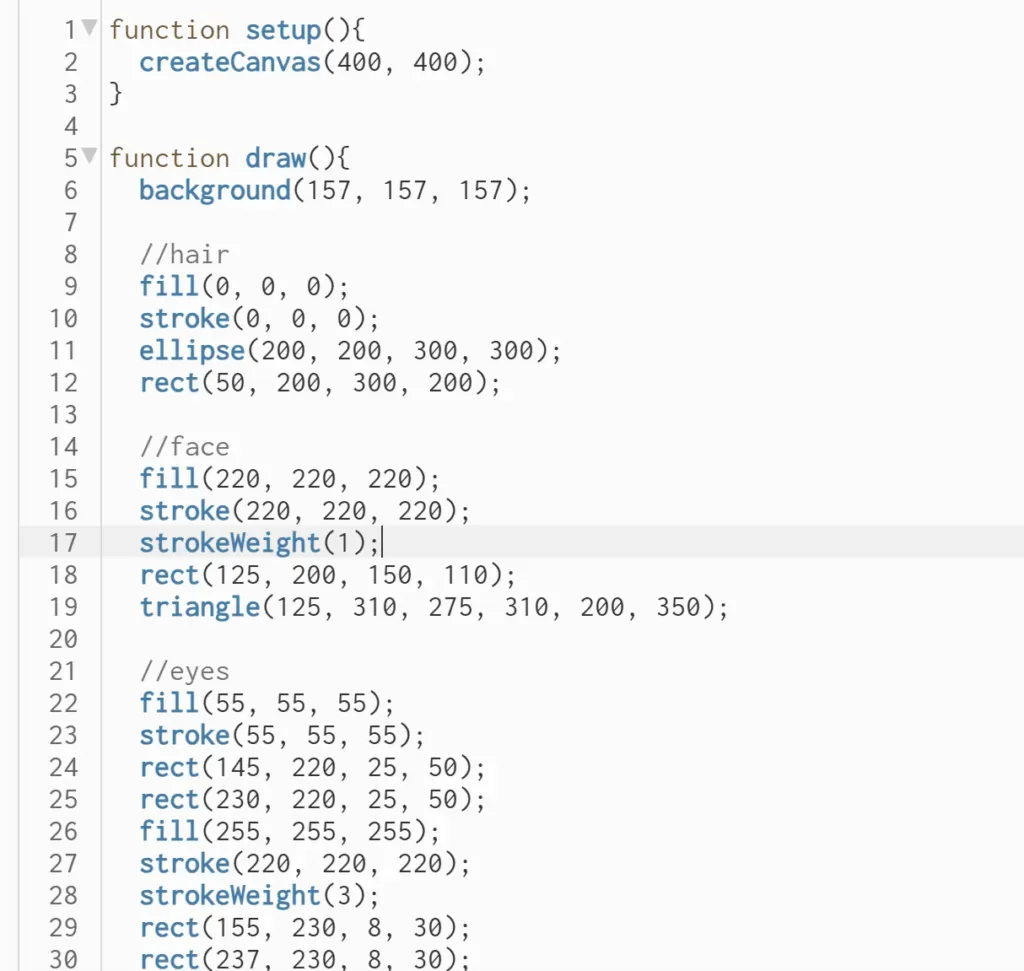
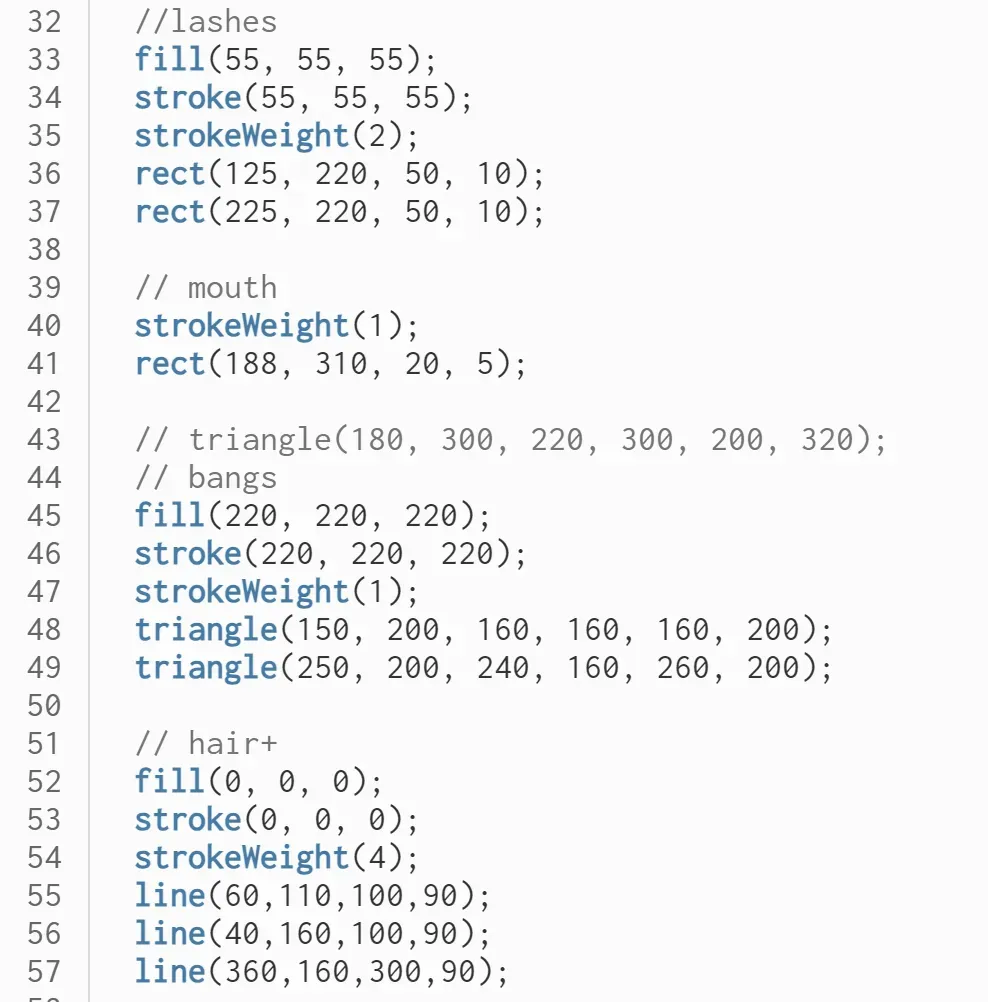
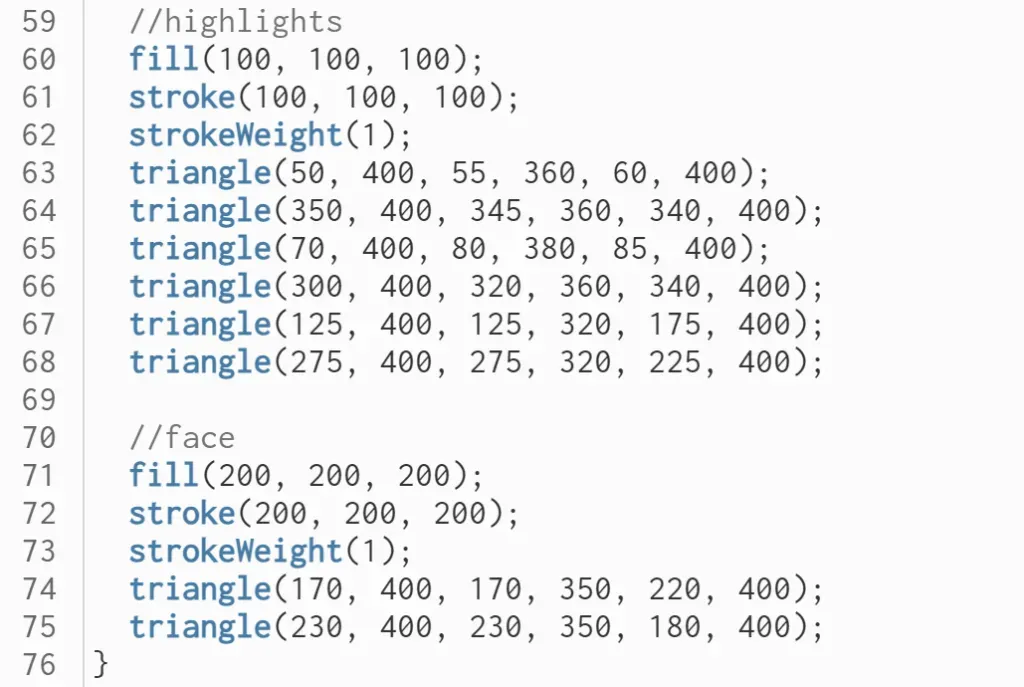
Mumu’s portrait
Got on this page for uploading my documentation just to find this…
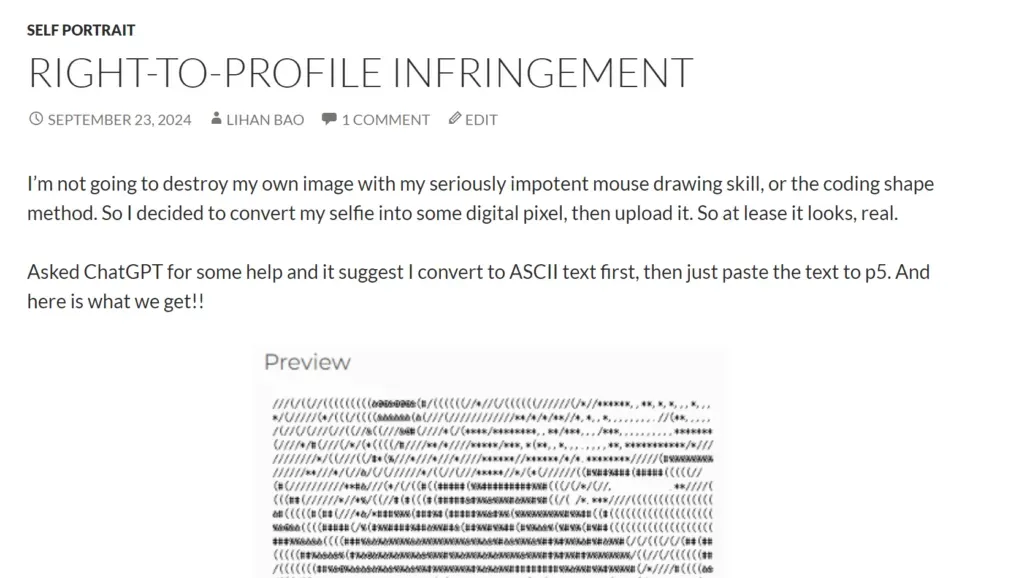
??? Oh no its Lihan 😭😭😭 why did we came up with the same idea😭😭😭
I love pixel encoders tho!! I like my work to be nostalgic & straightforward implementation. I made a small javascript based animation that runs on a tab for my boyfriend’s birthday and used the retro pixelized style. (For this screenshot I used the pixelize and dithering effect from pixiJS + Glslify on a video taken on the Q train. It’s available, hosted on github page, but its so embarassing to show the whole thing so I’ll not post the url here!!)
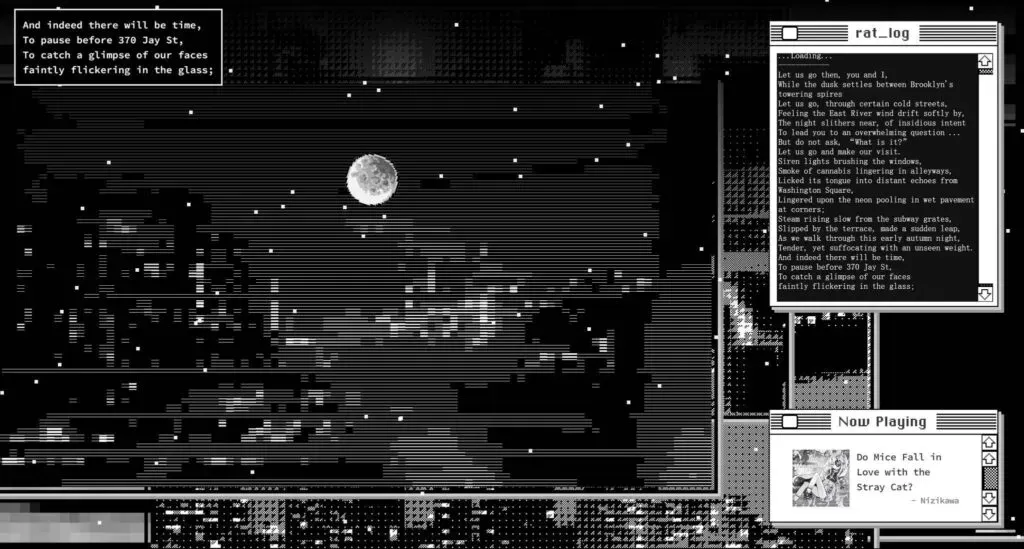
So I thought it would be pretty easy for me to do something similar for the self portrait, and my logic for this is to map the brightness values of the pixels to corresponding ASCII characters. Characters like @, #, and . can represent different levels of brightness.
But then I gave up because I know little about p5.js, so I also find an online converter:
https://www.asciiart.eu/image-to-ascii
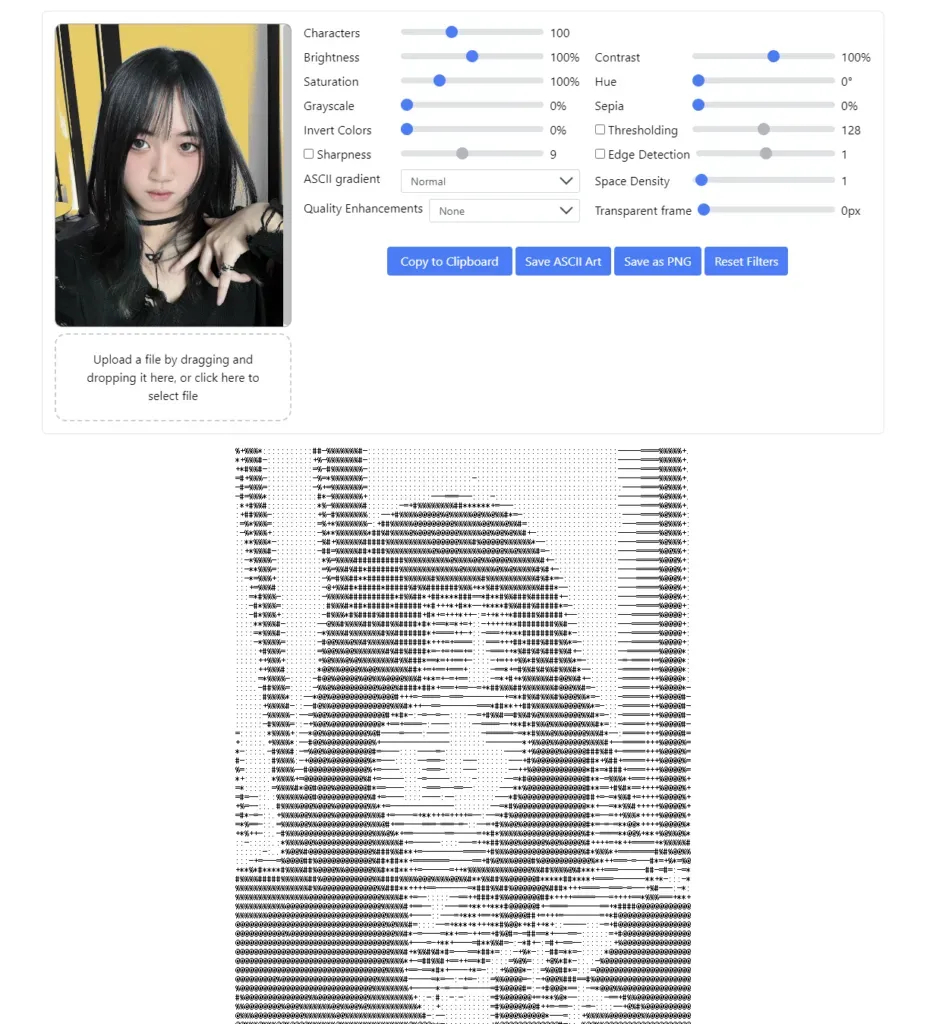
I tested a photoshoped selfie of mine on this site and it works well. For the p5.js part I will just have to store my ASCII code as an array of strings, where each string represents a row of the ASCII art. Draw text on the canvas, set the text size and font, loop through each row in the ASCII art and displays it line by line on the canvas and it will be displayed.
Should’ve check this beforehand…Now I have to find another way to draw a self portrait. Lets gooo!!!
2D shapes version
I used Daniel Shiffman’s videos for help and his tutorial is useful!